22
q
Conversion Mode
Each time you press
q
, the display switches as follows:
➠
Calculation Mode
➠
Metric Conversion Mode
➠
Currency
Conversion Mode
➠
Calculation Mode
➠
Conversion Table
Conversion Pattern
Unit 1 Unit 2
5 currency conversions are available.
Metric Conversion Patterns
inch
⇔
centimeter (cm)
yard
⇔
meter (m)
yard
⇔
feet (ft)
mile
⇔
kilometer (km)
feet (ft)
⇔
meter (m)
°
F (Fahrenheit)
⇔°
C (Celsius)
ounce (oz)
⇔
gram (g)
pound (lb)
⇔
kilogram (kg)
US gallon (gal)
⇔
liter (l)
UK gallon (l.gal)
⇔
liter (l)
Currency Conversion Mode
Currency conversion has 5 stages of programmable conversion.
Each mode is capable of 12-digit calculation.
Setting a new currency conversion rate
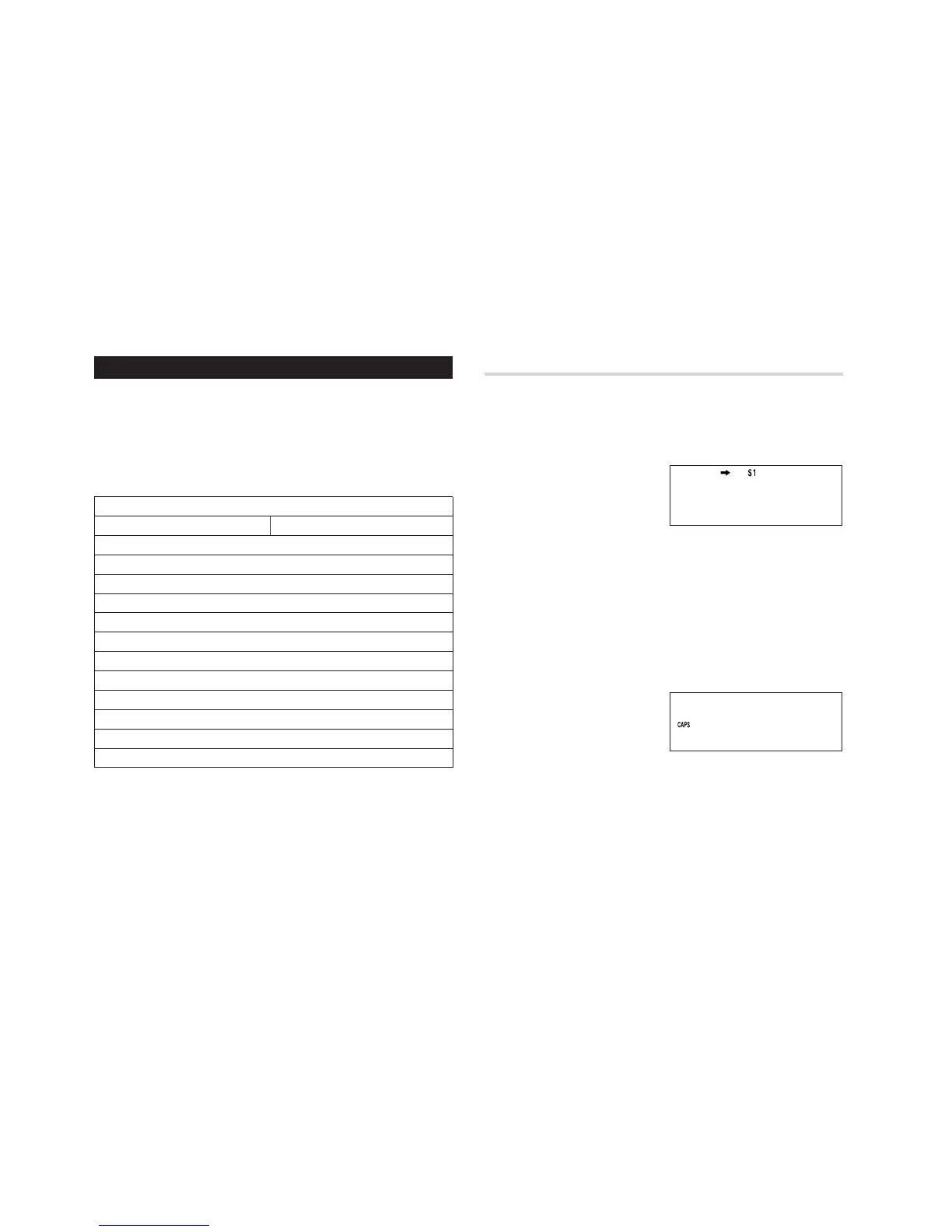
<Example> Set the following rate: $1 = £0.6
1. Press
q
the
appropriate number of times to
select the Currency Conversion
mode.
2. Press
<
or
>
to select the appropriate currency conversion
stage.
3. Press
n
.
The setting mode will appear.
Note:
If
e
is selected, “USD”, “$1” to “$5” and “Rate=1” are already set
on the display. Before entry, use
b
and
d
to clear the preset
characters. Use
c
to clear the Rate figure.
4. Enter “USD” and press
x
.
Note:
Up to 3 characters can be
entered for the name of the
currency unit.
5. Enter “PND” and press
x
.



 To Next Page