my Zaurus SL-C3000 and SL-C3100 http://www.users.on.net/~hluc/myzaurus/
107 of 212 16/09/2007 12:23
libgcc1_1%3a3.4.3-12_arm.deb
libglib2.0-0_2.6.4-1_arm.deb
libgtk2.0-0_2.6.4-1_arm.deb
libgtk2.0-bin_2.6.4-1_arm.deb
libgtk2.0-common_2.6.4-1_all.deb
libidl0_0.8.5-1_arm.deb
libkrb53_1.3.6-2_arm.deb
libpango1.0-0_1.8.1-1_arm.deb
libpango1.0-common_1.8.1-1_arm.deb
libpng12-0_1.2.8rel-1_arm.deb
libstdc++5_1%3a3.3.5-12_arm.deb
libtiff4_3.7.2-2_arm.deb
libxcursor1_1.1.3-1_arm.deb
mozilla-firefox_1.0.3-2_arm.deb
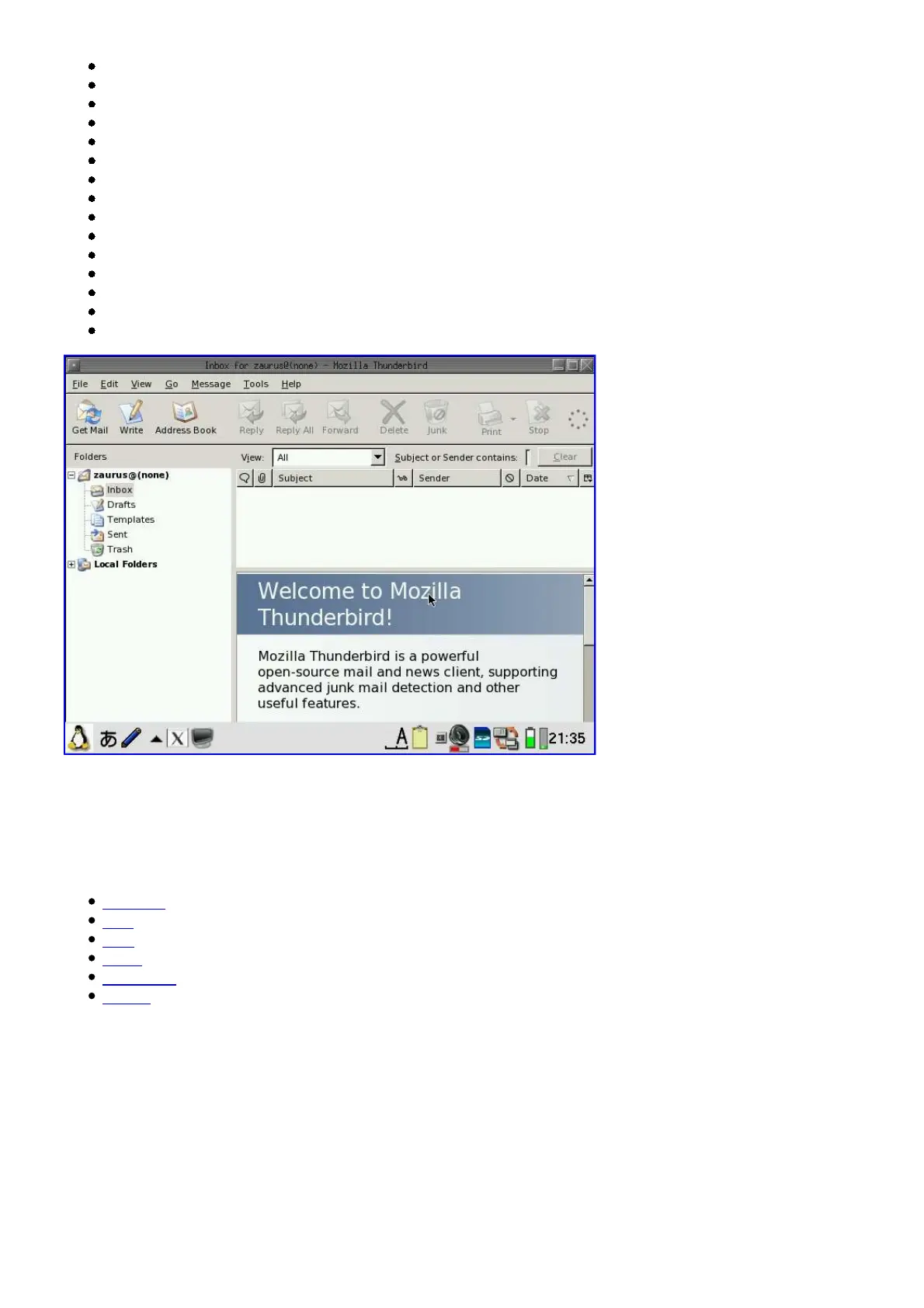
mozilla-thunderbird_1.0.2-2_arm.deb
Installing X/Qt applications
In order to use any of the following X/Qt applications, X/Qt needs to be installed first. See the X/Qt
and/or X/Qt jumbo sections on how to do that. Once you have X/Qt installed and configured, you
can install any of the following applications:
abiword (Word Processor)
flfm (File Manager)
fltdj (Personal Information Manager)
gimp (Graphics)
gnumeric (Spreadsheet)
xmms (Multimedia Player)
Installing QuantumStep
QuantumStep is a MacOSX environment for the Zaurus running under X/Qt. It comes with its own
X/Qt binaries which is good for you if you haven't got X/Qt installed yet, but messes up your
existing X/Qt setup slightly.
By default, the QuantumStep installer extracts the files to /home/myPDA which is the flash on the
C3100. For the C3000, it relinks it to /hdd2/myPDA before extracting the files.
If you want to install it to a different location, you need to have an ext2/ext3 formatted disk either



 To Next Page