my Zaurus SL-C3000 and SL-C3100 http://www.users.on.net/~hluc/myzaurus/
113 of 212 16/09/2007 12:23
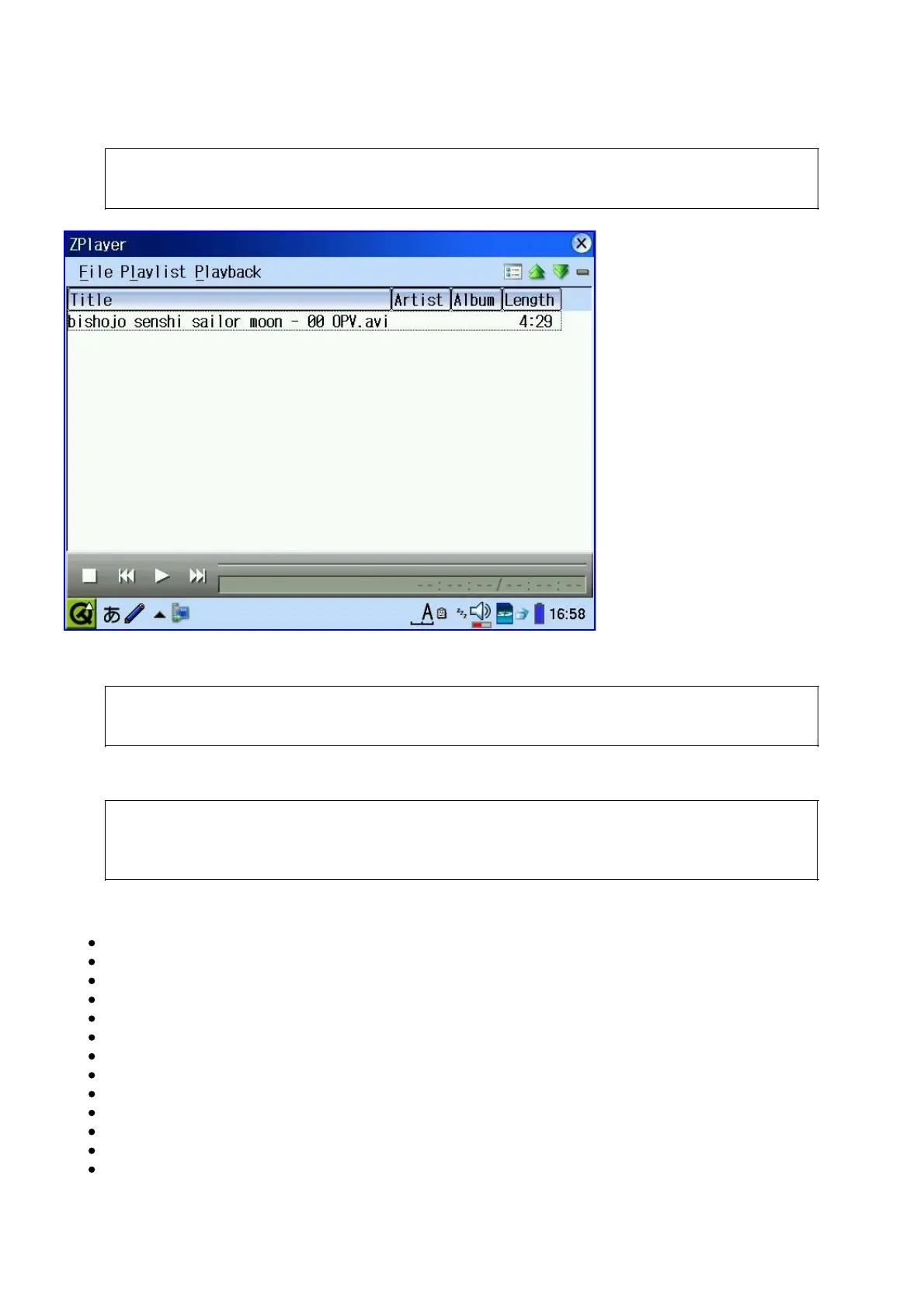
zplayer can play videos in window mode or fullscreen if they are encoded with 320x200 resolution
without adding extra parameters. However, in order to play 352x288 encoded PAL videos in
fullscreen mode, you will need to provide the following mplayer options under
Tools->Configuration:
-vo bvdd -vm -x 320 -y 200
The following mplayer command line will allow you to watch fullscreen video:
# mplayer -vo bvdd -afm libmad -vm -vf crop=320:240 file
The following mplayer options will give you better and smoother video playback:
# mplayer -nortc -noaspect -double -framedrop -cache 2048 -dr -vo bvdd -afm
libmad -af lavcresample=44100 -vf crop=320:240 file
And here is a list of the most useful mplayer options:
-vm
-vf-add scale=16:9
-vf crop=320:240, rotate=1
-af lavcresample=44100:0:0
-afm libmad
-hr-mp3-seek
-dr
-double
-framedrop
-noaspect
-nortc
-cache 1024
-autosync 100



 To Next Page