my Zaurus SL-C3000 and SL-C3100 http://www.users.on.net/~hluc/myzaurus/
114 of 212 16/09/2007 12:23
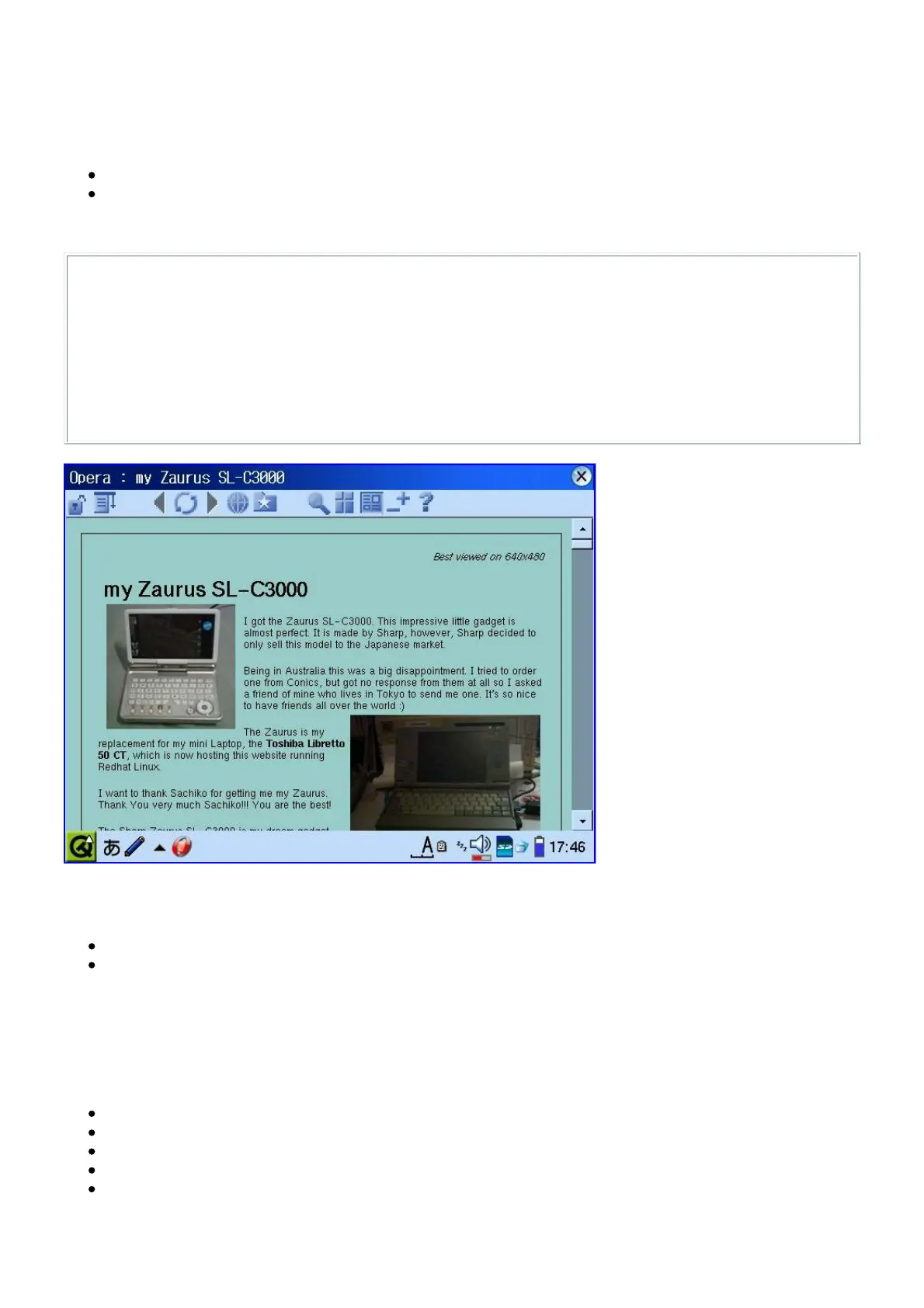
Installing Opera
Although this is an older package, it will still work with the C3000 and C3100.
You need to install the following packages:
opera_sl-5x00-7.30.9965_arm.ipk
opera-cseries-fix_7.30_arm.ipk
Once you installed the packages, you still need to do the following:
# su
# ln -s /opt/QtPalmtop/opera /usr/share/opera
# chown -R zaurus /home/zaurus/.opera
# chown -R zaurus /home/zaurus/.operasave
(optionally)
# rm -r /home/QtPalmtop/opera/voice/
# rm -r /home/QtPalmtop/opera/start/
Alternatively, some newer packages have been build for the C3000 and C3100. You can try one of
these instead:
opera_7.25_c3k_1_arm.ipk
opera_7.55.6079-SLC3000_arm.ipk
Installing Doom
To install Doom, you need to install the following packages:
libsdl - [libsdl_1.2.5-slzaurus20050731_arm.ipk]
libsdl-mixer - [libsdl-mixer_1.2.5cvs-1_arm.ipk]
libsdl-net - [libsdl-net_1.2.5cvs-1_arm.ipk]
doomdemo - [doomdemo_1.8-1_arm.ipk]
prboom - [prboom_2.2.3-2_arm.ipk]
Once installed, copy prboom.cfg to /home/zaurus/.prboom, this file stores the doom key mappings
which need to be fixed for the Zaurus and you can specify additional wad files too. The wad files



 To Next Page