my Zaurus SL-C3000 and SL-C3100 http://www.users.on.net/~hluc/myzaurus/
128 of 212 16/09/2007 12:23
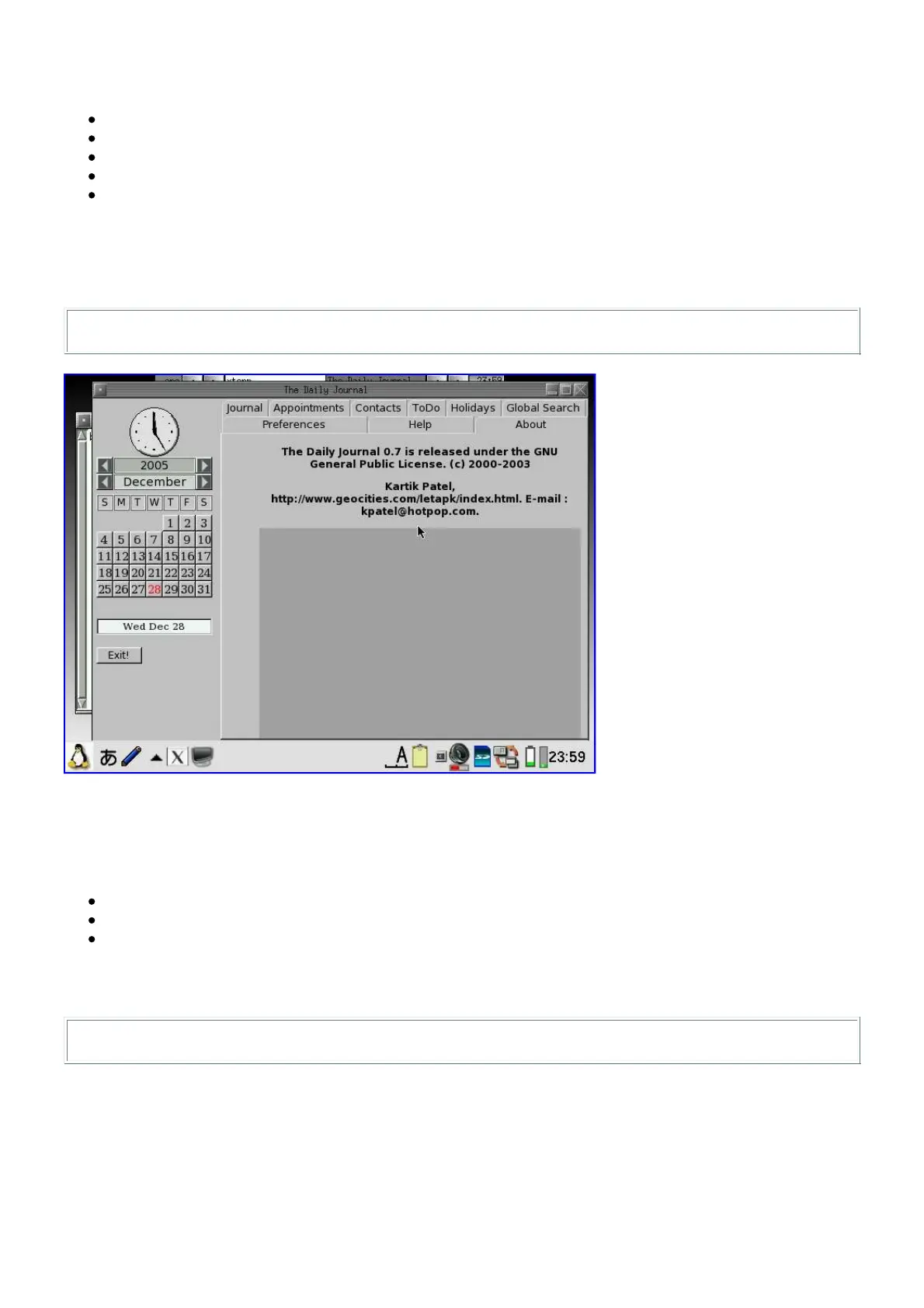
The fltdj PIM package from pdaXrom works with X/Qt. You will need to install the following
packages for fltdj:
cal_3.5_armv5tel.ipk
libfltk_1.1.4_armv5tel.ipk
libfltk-utf8_1.1.4_armv5tel.ipk
fltdj_0.7_armv5tel.ipk
fltdj-utf8_0.7_armv5tel.ipk
Alternatively, I have build a fltdj pim package [fltdj_0.7-1_arm.ipk] which includes the above
packages.
Once installed you can launch fltdj as follows:
# xlauncher fltdj
Installing Gimp
The Gimp and related packages from pdaXrom also work under X/Qt. However, you will need to
install several packages to get Gimp working. The following packages are required:
libgimp - [libgimp_1.2.5-2_armv5tel.ipk]
xqt-gimp - [xqt-gimp_1.2.5-2_armv5tel.ipk]
xqt-gimp-plugins - [xqt-gimp-plugins_1.2.5-1_armv5tel.ipk]
libgimp might give some errors, but just ignore them. Once you have installed gimp, you can start
it by tapping on the Gimp icon or issuing the following command:
# xlauncher gimp
I have also created a single gimp package [xqt-gimp_1.2.5-3_arm.ipk] for easier installation, which
combines all the above listed packages.



 To Next Page