my Zaurus SL-C3000 and SL-C3100 http://www.users.on.net/~hluc/myzaurus/
178 of 212 16/09/2007 12:23
If scrot is installed it will use scrot to capture a png image, otherwise xwd is used instead and if
ImageMagick is installed, then it will be used to convert the xwd image into a png image.
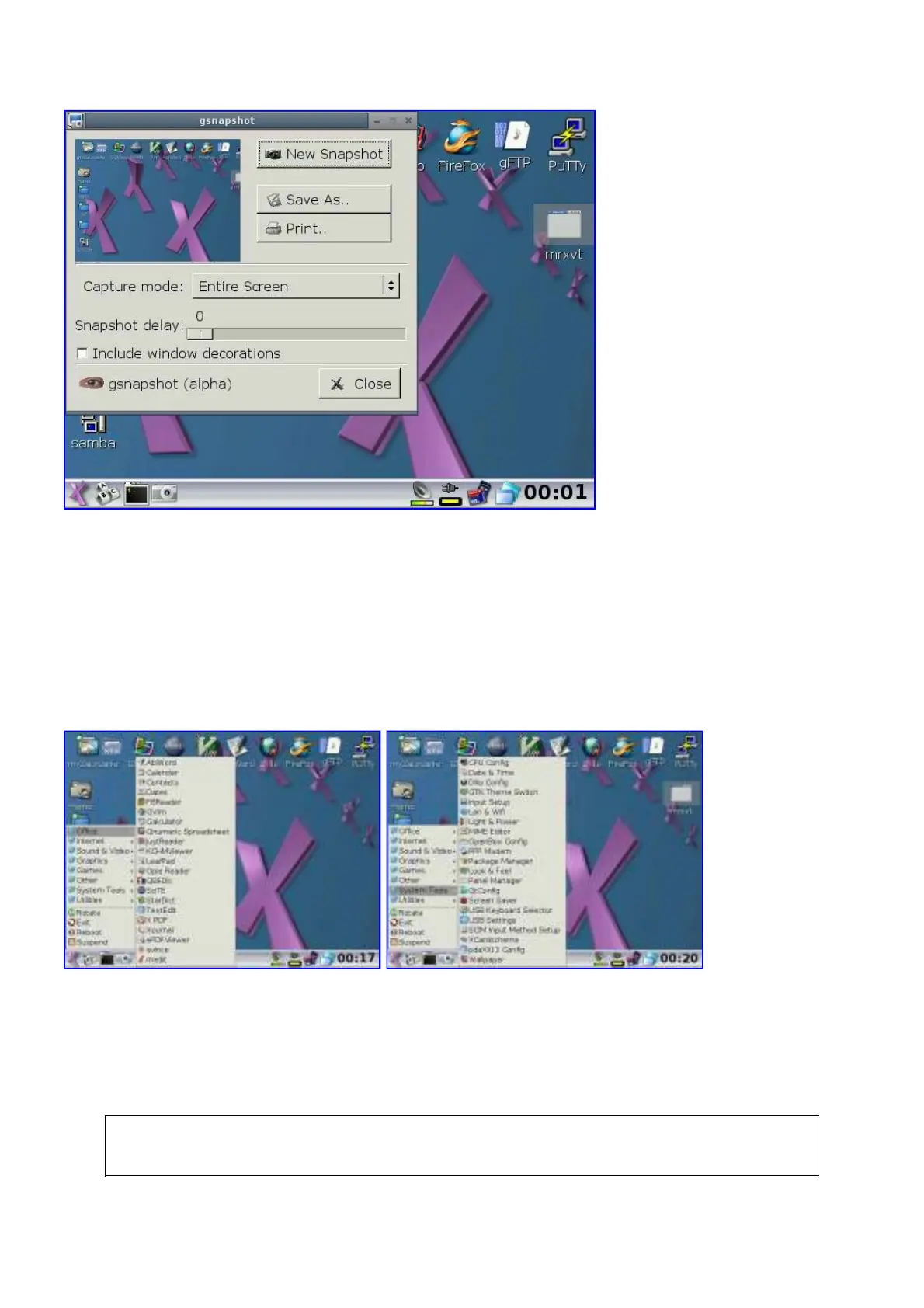
In pdaXii13 full, an additional screencap icon is placed on the taskbar and once tapped will wait 10
seconds before taking a screenshot. Alternatively, you can also use gsnapshot which allows you to
capture a specific area of the screen.
Desktop and Menu Customisation
The .desktop files defining the applications are located under /usr/share/applications and the
corresponding icons are located under /usr/share/pixmaps
The desktop is by default managed by matchbox desktop in pdaXrom. pdaXii13 full defaults to rox
pinboard instead. You can either access the application icons via the menu or the desktop
panels/pinboard.
You can manually replace the matchbox desktop with rox filer to get an integrated file manager and
desktop manager in pdaXrom. To do that, modify /home/root/.xinitrc and replace the following:
eval "matchbox-desktop $MBBGND" 2>/dev/null >/dev/null &
with this:



 To Next Page