my Zaurus SL-C3000 and SL-C3100 http://www.users.on.net/~hluc/myzaurus/
179 of 212 16/09/2007 12:23
eval "rox --pinboard=MYPINBOARD" &
and then restart X.
The config files for ROX are under /usr/apps and /home/root/Choices/ROXFiler
In pdaXii13, the above change has been implemented in such a way that rox is used if it is
installed, but the default matchbox desktop is used instead if rox is not installed. You can also
specify whether to use matchbox desktop or rox pinboard in the pdaXii13 config file called
pdaxii13.conf located under /home/root/Choices
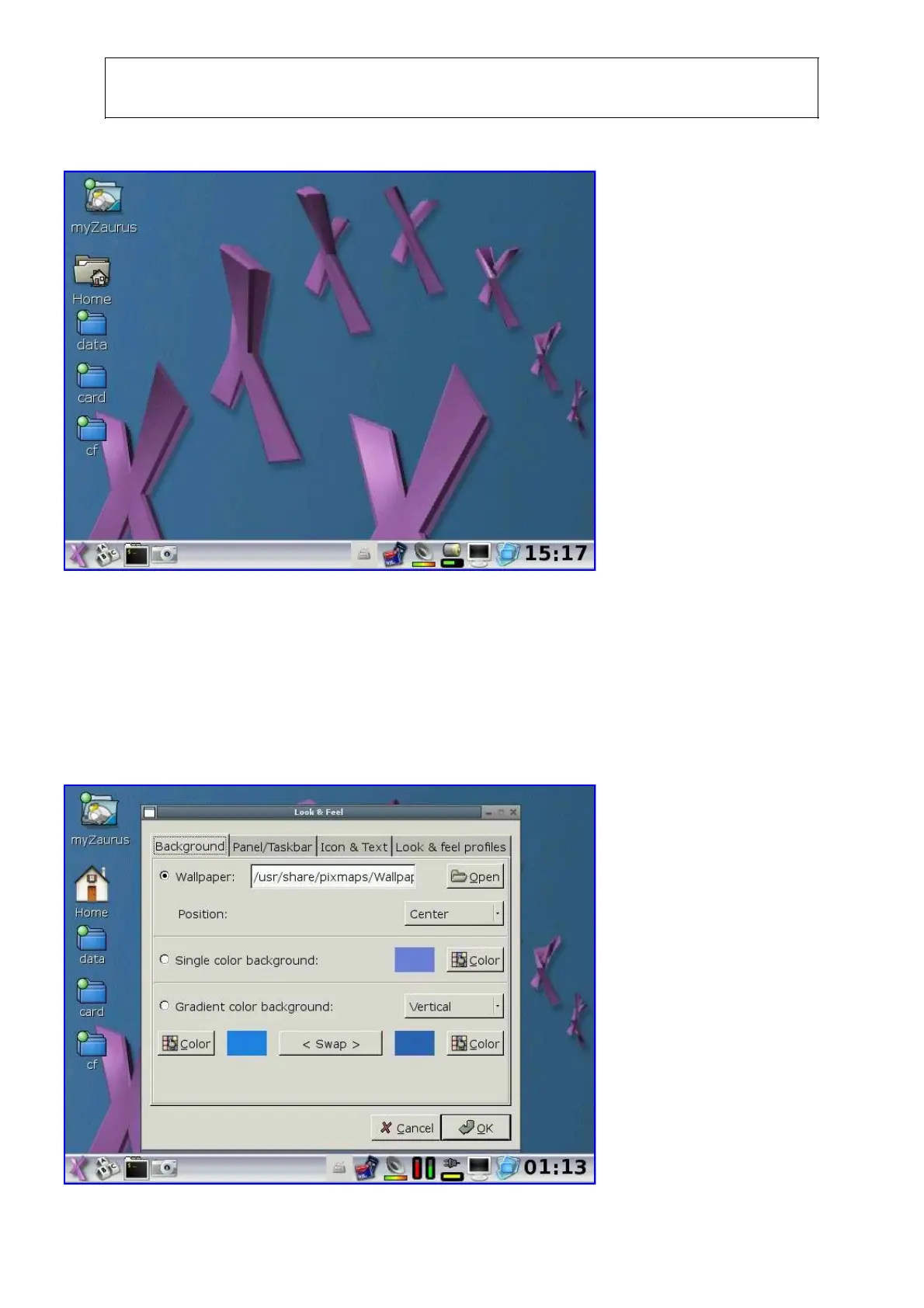
The Look & Feel tool in the Systems Tools can be used to change the default wallpaper as well as
change many other aspects of how the GUI looks like. The wallpaper can be any png image file, but
a resolution of 640x440 is ideal.
However, if you changed your desktop to use rox filer instead of the matchbox desktop, then you
can right click (Fn+tap) to activate the rox filer properties where you can drag and drop an image



 To Next Page