my Zaurus SL-C3000 and SL-C3100 http://www.users.on.net/~hluc/myzaurus/
180 of 212 16/09/2007 12:23
into the background section. There is also a command line tool called rox-bset which you can use
to replace the background as well as enabling random backgrounds.
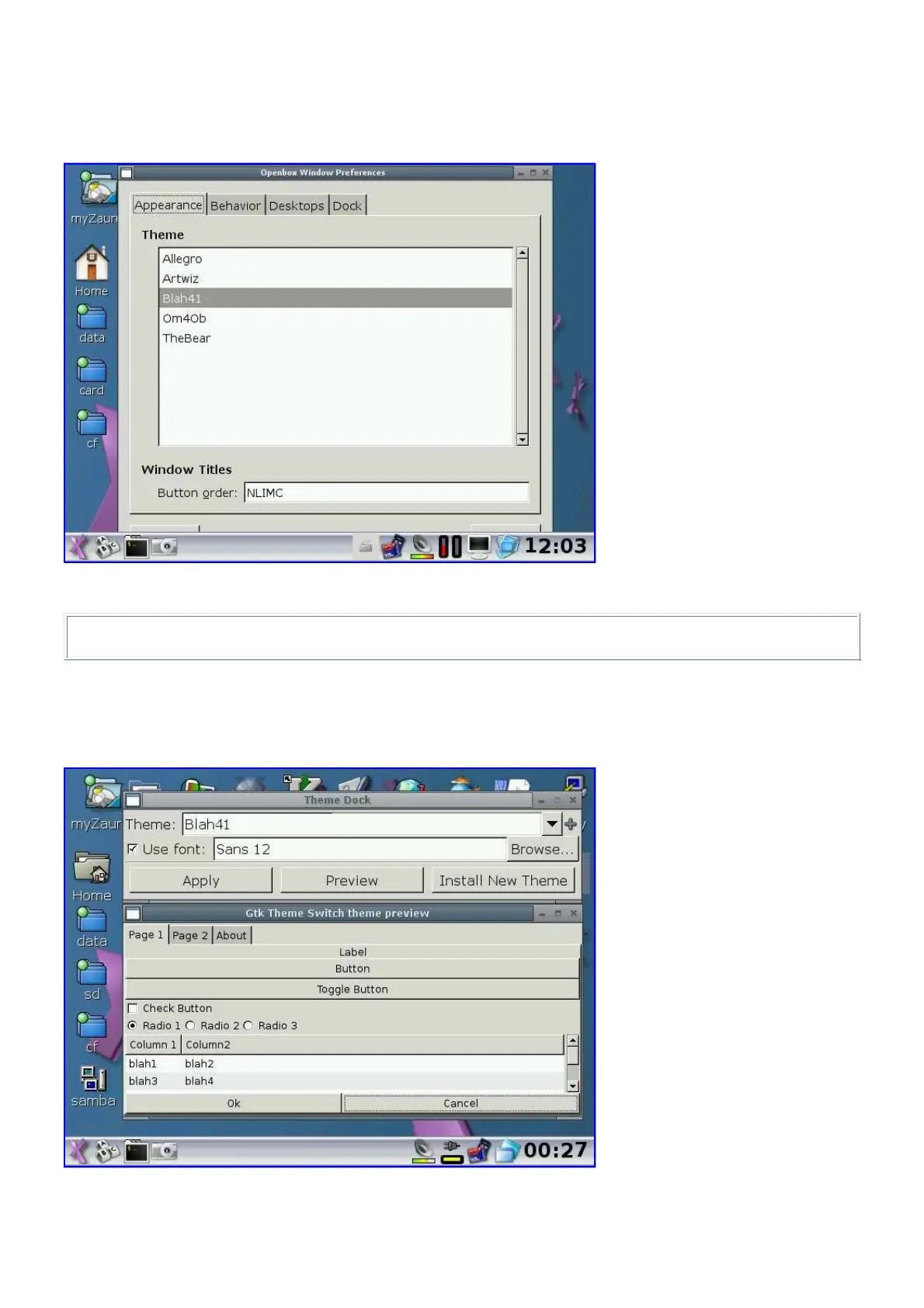
To change the theme for OpenBox, use the OpenBox Config tool (obconf) which can configure
other settings in OpenBox as well.
To apply manual changes done by editing rc.xml, either restart X or run the following command:
# openbox --replace 2>/dev/null &
There is also an additional GTK Theme selector in pdaXii13 to allow you to change the GTK2
theme used by some applications. The GTK2 theme also controls the font size for those
applications. The GTK Theme selector also allows you to just change the font without switching
themes.
The QtConfig tool can be used to change the display settings for Qt applications.



 To Next Page