EasyManua.ls Logo

Sharp ZQ-6100M - Page 9

Sharp ZQ-6100M
194 pages
Print Icon
To Next Page IconTo Next Page
To Previous Page IconTo Previous Page
Loading...
Before
Anything
Else!
Before
you
can
use
the
Organizer,
it
must
be
initialized.
1.
Initializing
the
Organizer
1.
Hold
the
key
to
the
right
of
the
display,
and
press
and
release
the
BLL
DATA
RESET
switch
on
the
back
j
with
a
ball-point
pen.
Keep
CLEAR
down
until
the
ne
CYAN
display
on
the
right
appears.
2.
Press
the
key
on
the
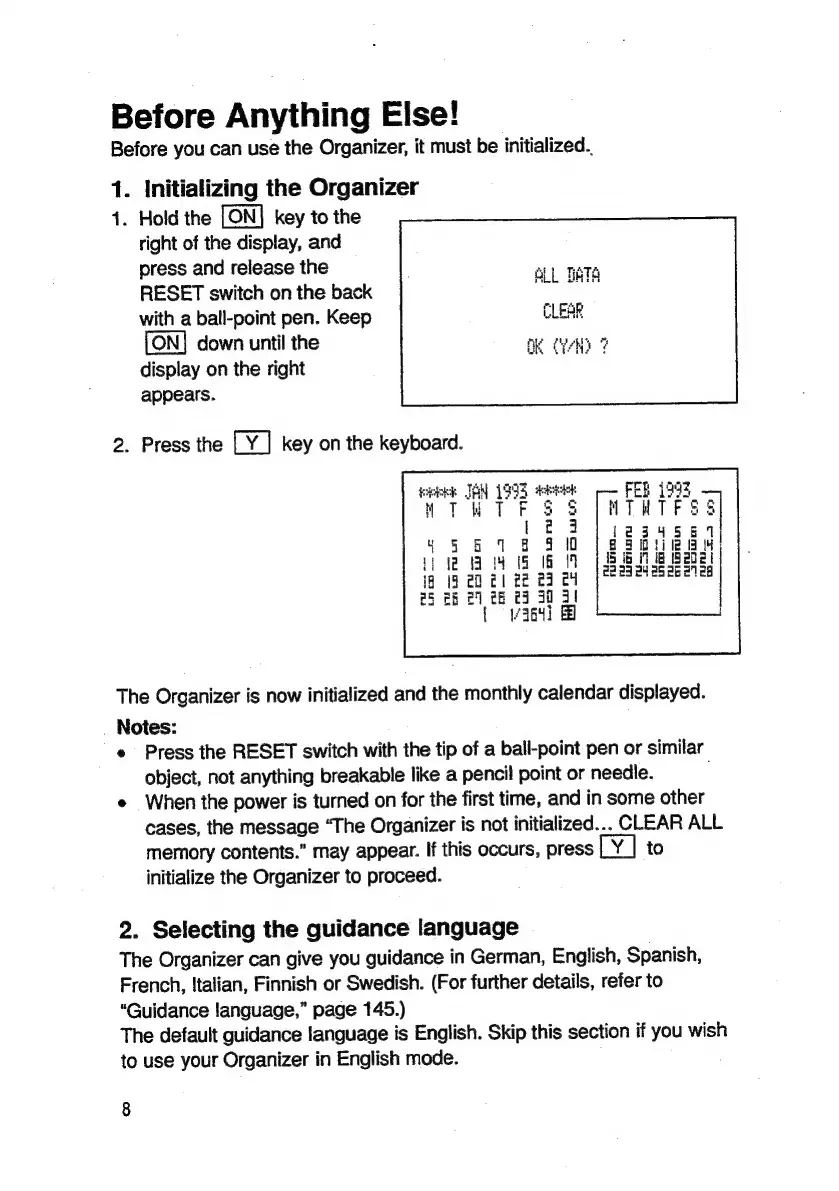
keyboard.
week
JAN
199
See
;
a
41S
1G
1
21
82
29 74
|
#6
€3
30
31
[|
v364]
B
The
Organizer
is
now
initialized
and
the
monthly
calendar
displayed.
Notes:
e
Press
the
RESET
switch
with
the
tip
of
a
ball-point
pen
or
similar
object,
not
anything
breakable
like
a
pencil
point
or
needle.
e
When
the
power
is
turned
on
for
the
first
time,
and
in
some
other
cases,
the
message
‘The
Organizer
is
not
initialized...
CLEAR
ALL
memory
contents.”
may
appear.
If
this
occurs,
press
to
initialize
the
Organizer
to
proceed.
2.
Selecting
the
guidance
language
The
Organizer
can
give
you
guidance
in
German,
English,
Spanish,
French,
Italian,
Finnish
or
Swedish.
(For
further
details,
refer
to
“Guidance
language,”
page
145.)
The
default
guidance
language
is
English.
Skip
this
section
if
you
wish
to
use
your
Organizer
in
English
mode.
8

Related product manuals