2Printed in China.
CONTENTS
LITHIUM-POLYMER BATTERY WARNING
BATTERY WARNING - ALKALINE (AA)
KEEP THIS INSTRUCTION MANUAL FOR REFERENCE
• Do not mix old and new batteries.
• Do not mix alkaline, standard (carbon-zinc), or rechargeable batteries.
• Insert batteries using the correct polarity. Do not short-circuit the supply terminal.
• Only use manufacturer specified batter(ies), charger(s), and/or adapters, if
applicable, specified by the manufacturer.
• Always use, replace, and recharge (if applicable) batteries under adult supervision.
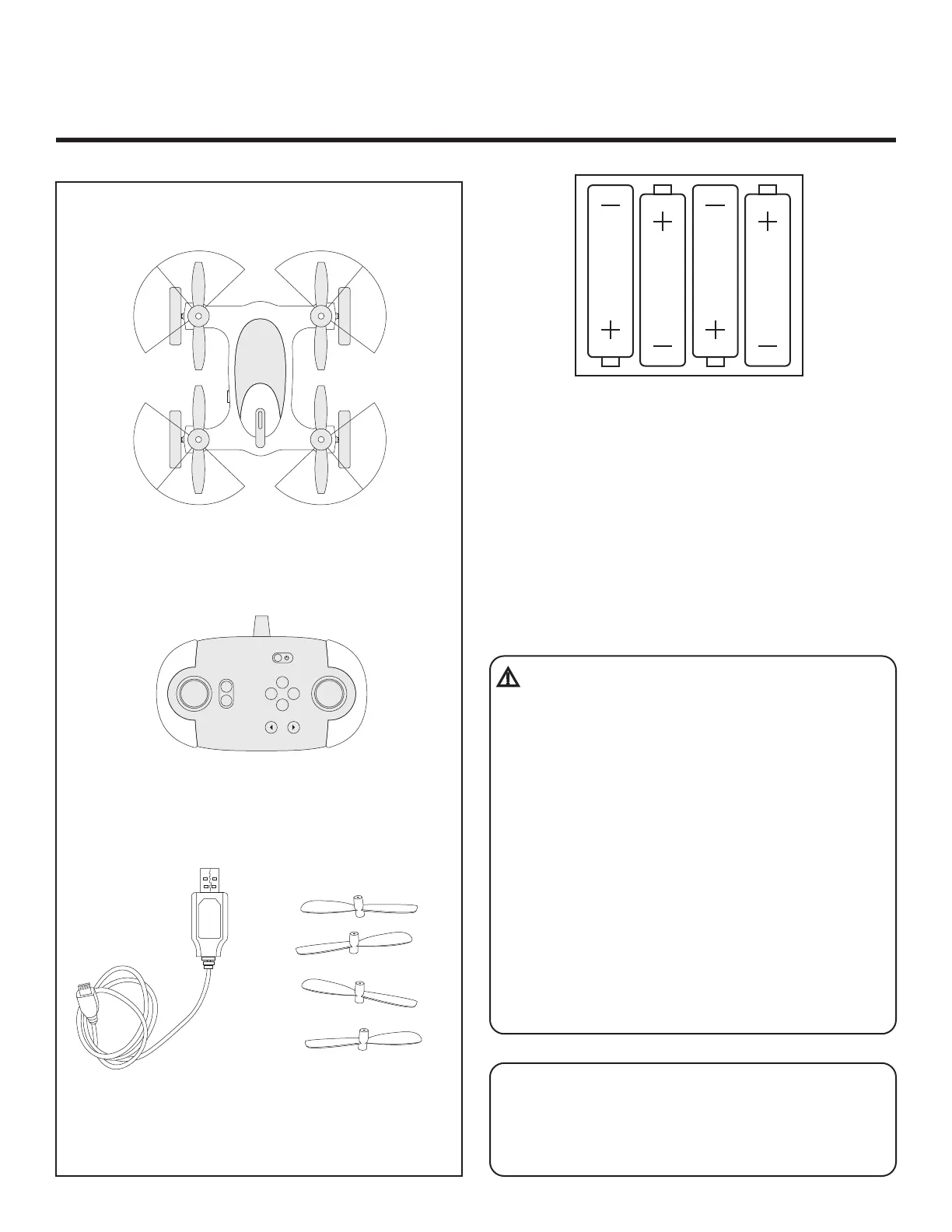
Drone - 5in. Fly+Drive Drone
Drone Controller
There is a risk of fire and personal injury if Li-Po
battery is punctured, damaged or misused.
• Never expose battery to extreme temperatures
or moisture.
• Do not subject battery to strong impacts.
• Always keep battery away from flammable
materials.
• Only use manufacturer specified batter(ies),
charger(s), and/or adapters, if applicable.
• Battery is not serviceable.
• Let battery cool to room temperature before
charging.
• While charging, never leave battery unattended.
• Recycle or dispose of battery according to federal,
state and local laws.
Charge Cable Propellers
REMOTE BATTERY INFORMATION
1. Unscrew the remote battery door using a
Philips head screwdriver (not included).
2. Install 4 “AA” batteries as shown in the
diagram above.
3. Replace and close battery compartment.
ALIGN
TAKE OFF/LAND
SPIN TRIM
B
F
L R
Fly+Drive Drone — 5-inch



 To Next Page