- 12 - - 13 -
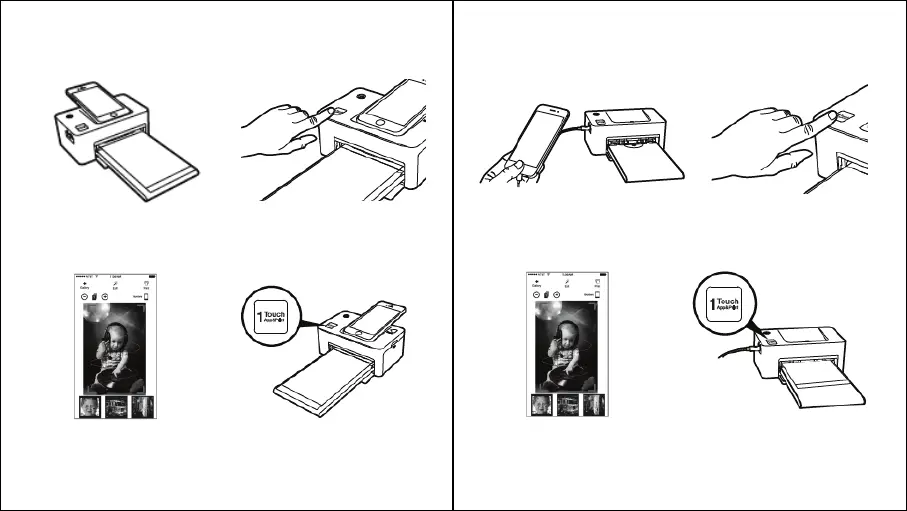
4. To start printing, push the 1Touch
button or the print button in the App.
1. Turn on the printer by pressing the
power button on the top left corner.
Connect the smart phone to the dock
after turning the printer on.
3. Choose a photo
2. Push the 1Touch button on the left
bottom corner of the printer. App will run
automatically. In case of Android phone,
App can be launched when it is docked.
1. Turn on the printer by pressing the
power button on the top left corner.
Connect the smart phone to the dock.
Printing photos using a USB cable:
2. Push the 1Touch button on the left
bottom corner of the printer. App will run
automatically. In case of Android phone,
App can be launched when it is docked.
3. Choose a photo.
4. To start printing, push the 1Touch
button or the print button in the App.
CONNECTING TO THE PRINTER AND PRINTING
Printing photos using the dock:



 To Next Page