4 5
Main Features:
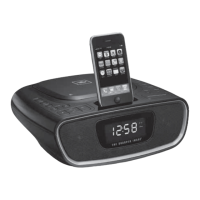
• Simple docking to charge, play and display your iPod/iPhone
• Alarm clock radio with FM digital tuner & CD player
• Easy-to-read large display with illuminated LCD
• Dual alarm clock for your convenience
• Snooze/Nap bar for further relaxation
• Digital volume tuning (0~8 level)
• Dual speakers included (2" diameter)
• 9V /1.5A (100~240V input) AC/DC adaptor (included)
Battery Installation:
This unit uses an AC adaptor (included) or optional 2 (two) AA batteries (not
included) for backup function
Battery Precautions
• Use only the size and type of batteries specif ied
• When installing batteries, observe proper +/- polarities. Incorrect installation of
battery may cause damage to the unit.
• Do not mix different types of batteries together (e.g., alkaline with carbon-zinc
or old batteries with new ones).
• If the unit is not going to be used for a long period of time, remove batteries to
prevent damage due to possible battery leakage.
• Do not dispose of batteries in f ire. Batteries may explode or leak.
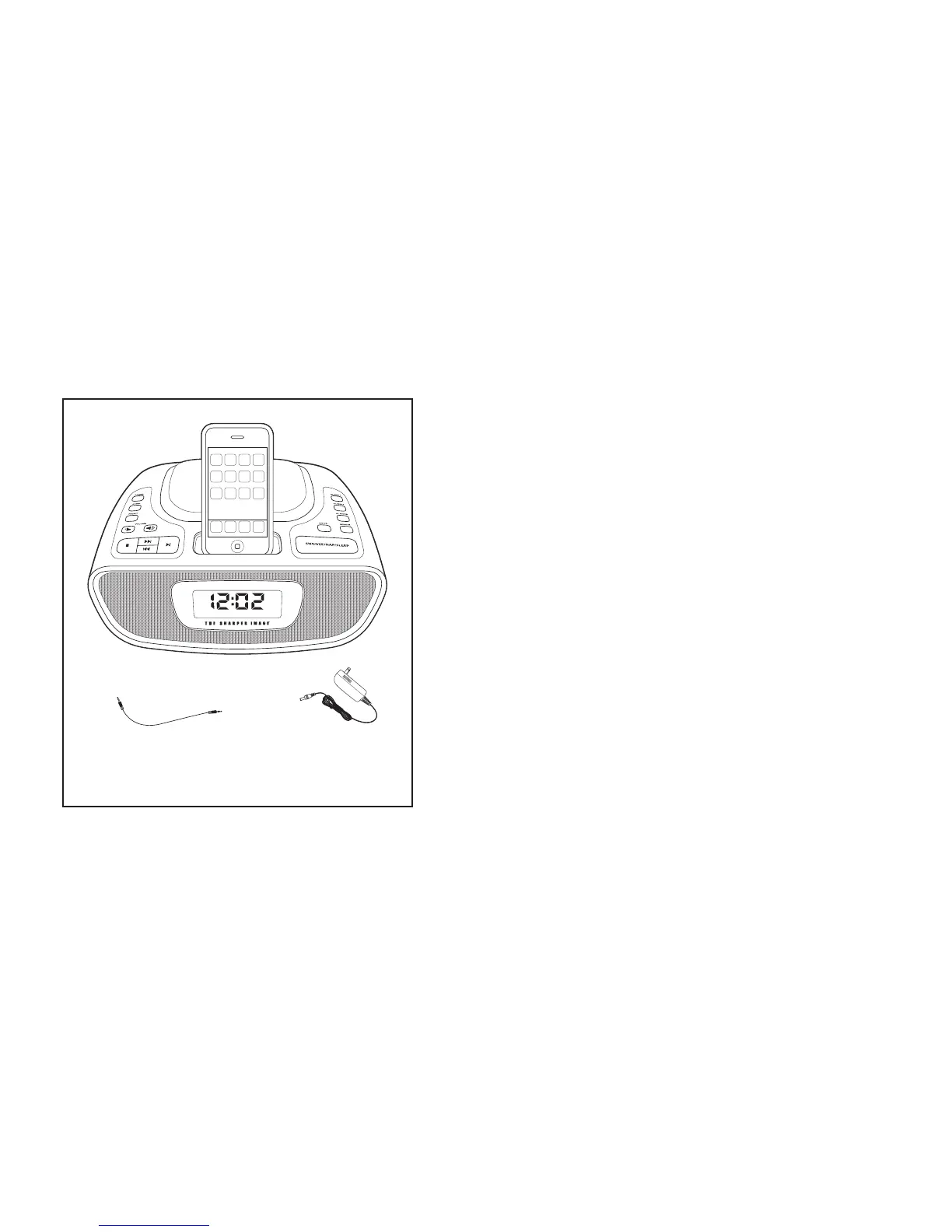
F ig. 1
Alarm Clock Dock for iPod/iPhone
with FM Radio & CD Player
(iPhone not included)
Cable Jack AC/DC Adpaptor
* Inserts included for iPhone 3G, iPhone, iPod touch,
iPod classic (5th G), iPod nano (3rd G), iPod nano (4th G)


 To Next Page