2 3
Thank you for purchasing The Sharper Image Freedom
Rechargeable Bluetooth® Speaker for smartphones, tablets,
notebook computers and other Bluetooth enabled devices. This
product, along with the entire Sharper Image Electronics lineup,
combines high-tech innovation with design to provide you with
years of dependability and enjoyment.
Getting Started
Unpack the unit carefully. Do not remove any labels or stickers on the rear of the unit.
Power Source
To charge the Freedom, fold out the wall prongs – simply plug it into a standard wall
outlet.
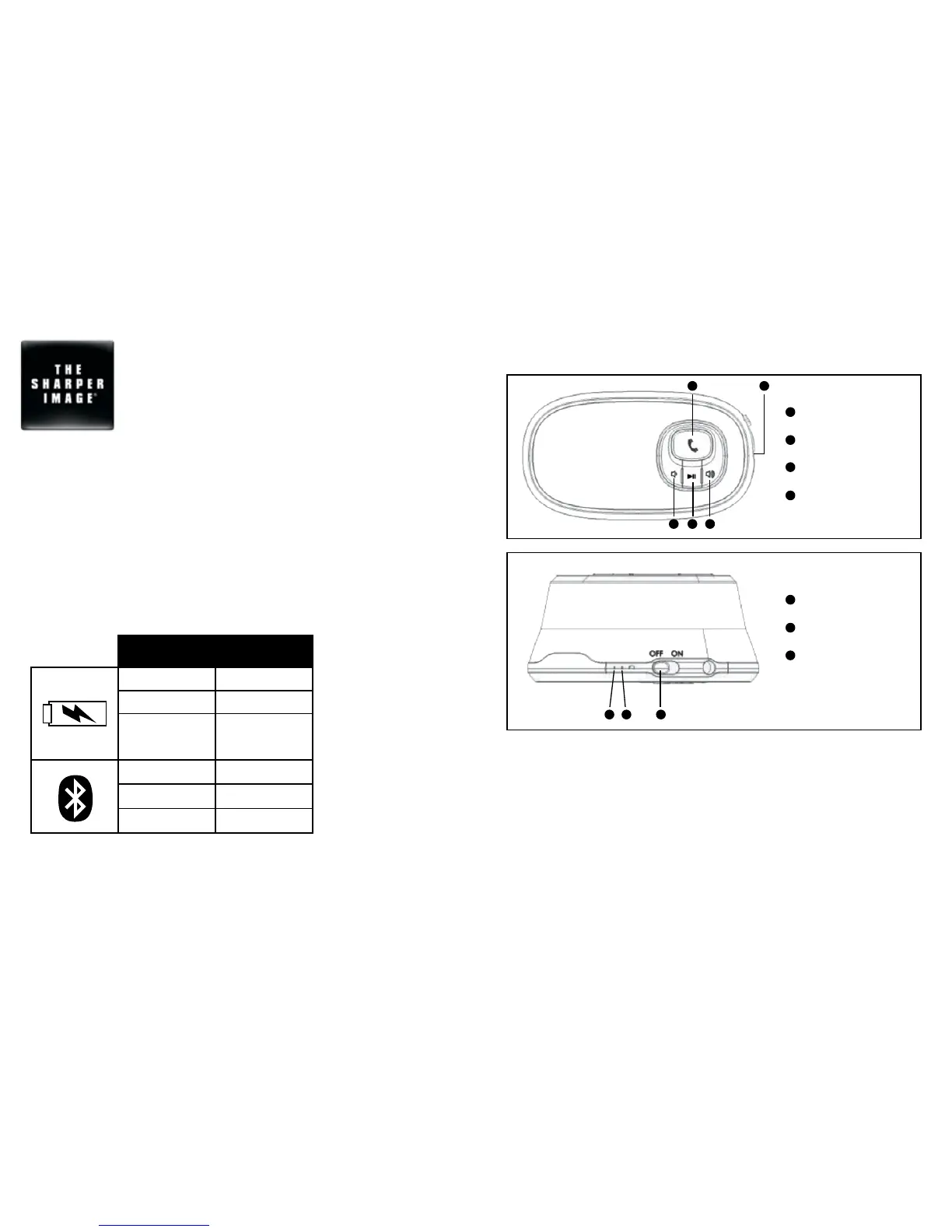
Controls
3 4
21 1
1 2 3
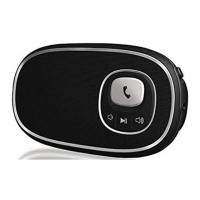
Volume Controls
Play/Pause Button
Speakerphone Button
Line-In Audio Jack
3
4
2
1
Bluetooth Indicator
Battery Indicator
Power Switch
3
2
1
Indicators
Indicator Status
Flashing Red Low Battery
Red Charging
Solid Green
Fully Charged
(when plugged
into wall socket)
Quickly Flash Blue Pairing Mode
Slowly Flash Blue Connected
Red Line-In Mode
Charging the Unit
Approximately 3 hours required for full charge.
Unit can be charged by plugging it into a wall socket.
NOTE: Battery will last for approximately 4 hours when connected wirelessly and up to
12 hours when connected through Line-In Audio Jack.


 To Next Page