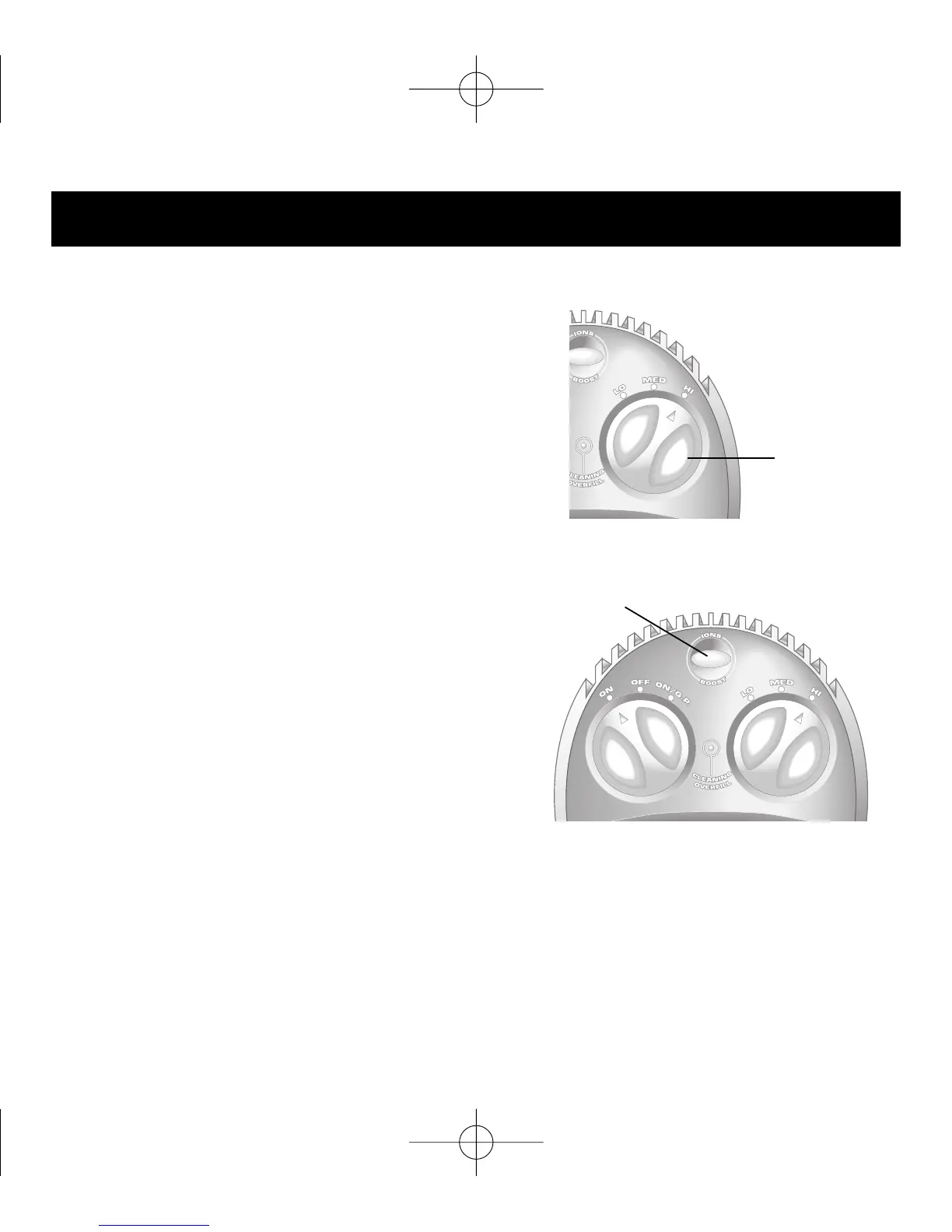
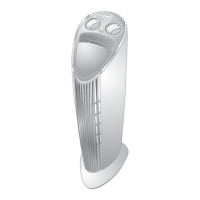
Switch the POWER CONTROL
to the desired HI, MED or LO
setting:
Normal operation at all power
levels involves a preprogrammed
cycle of altering high and low
air movement.
To override the POWER CONTROL
setting and to run the unit at
maximum power for five minutes,
press BOOST/IONS until the button
turns blue.
Your previously selected power
level resumes after five minutes.
To activate the Negative-Ion Feature™, press BOOST/IONS
until the button turns green. This feature adds millions of nega-
tive ions to the airflow to freshen your indoor environment. To
cancel, press the button again.
Setup and Operation
11
Power
Control
Boost/Ions


 To Next Page