Note: Use of this feature increases negative-ion output and
may increase soot buildup near the product.
Cleaning the Collection Grid
Clean the grid every one or two weeks. As a reminder, the cleaning
indicator light turns amber after two weeks. If the cleaning indicator
light turns red, the unit has shut down because of excessive dirt or
circuitry problems. In most cases, a thorough cleaning returns the
unit to normal operation.
Before cleaning, unplug the unit.
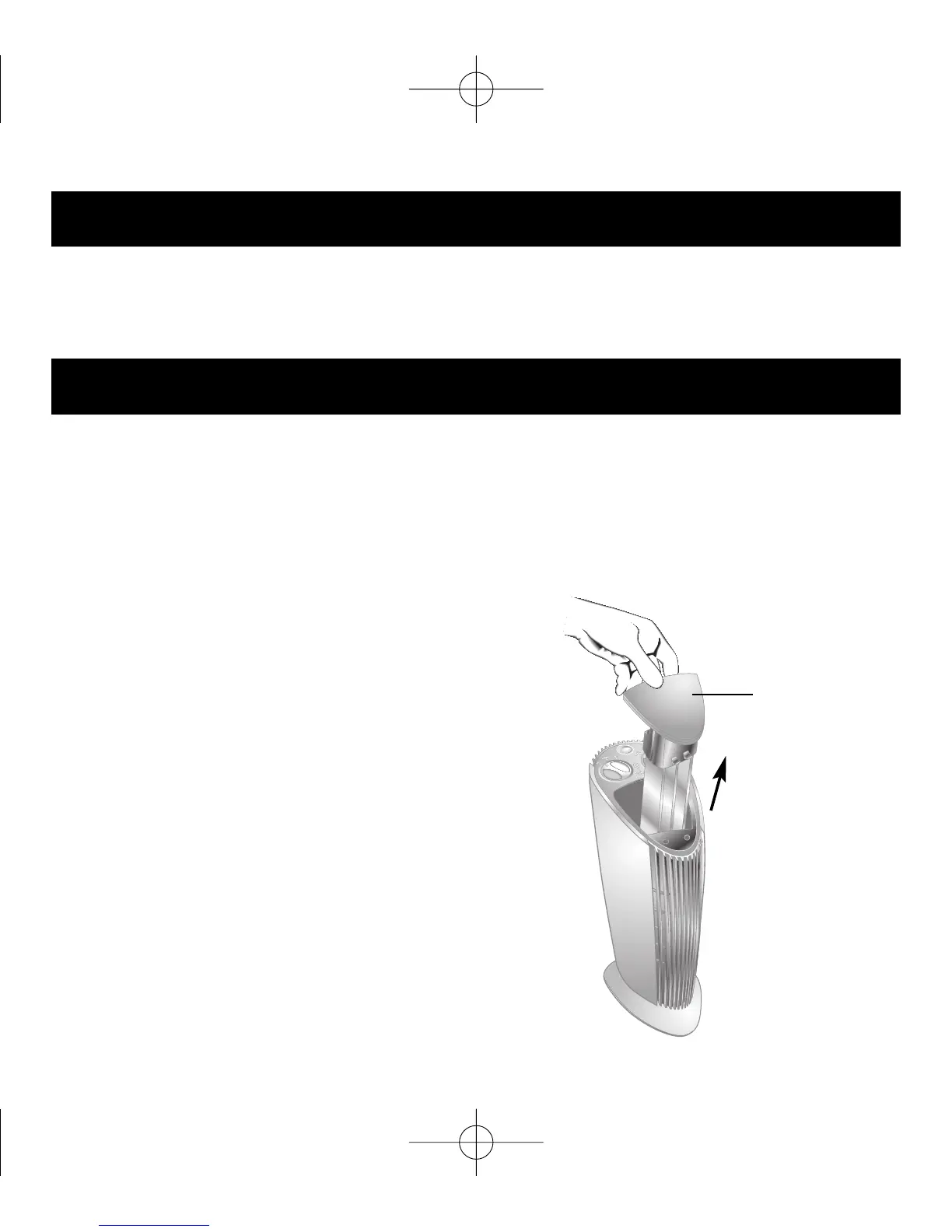
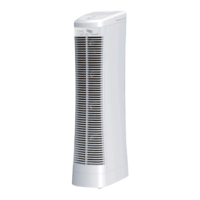
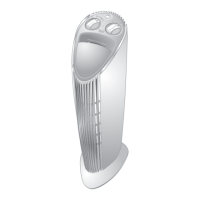
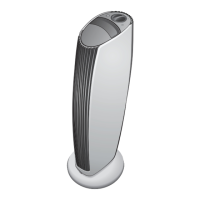
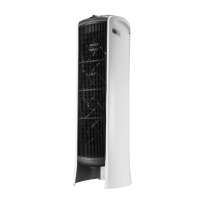
Remove the collection grid by
releasing the latch and pulling
the grid from the top of the unit.
Setup and Operation
12
Collection
Grid Release
Latch


 To Next Page