Need help?
Do you have a question about the Sharper Image SHP921 and is the answer not in the manual?
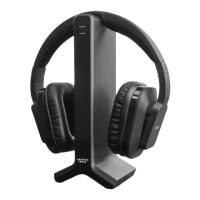
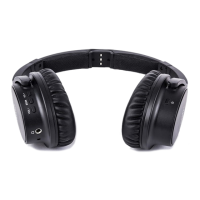
Overview of buttons, LEDs, and ports on the wireless headphones.
Overview of buttons, LEDs, and ports on the wireless transmitter.
Steps for opening covers, inserting batteries, and closing covers for headphones and transmitter.
Instructions for turning the wireless transmitter and headphones on and off.
Guidance for resolving no sound when connecting to devices or TV.
 General
| Brand | Sharper Image |
|---|---|
| Model | SHP921 |
| Category | Headphone |
| Language | English |


 To Next Page