EasyManua.ls Logo

Sharper Image 206077 - User Manual

Sharper Image 206077
8 pages
Print Icon
To Next Page IconTo Next Page
Loading...
Item No. 206077
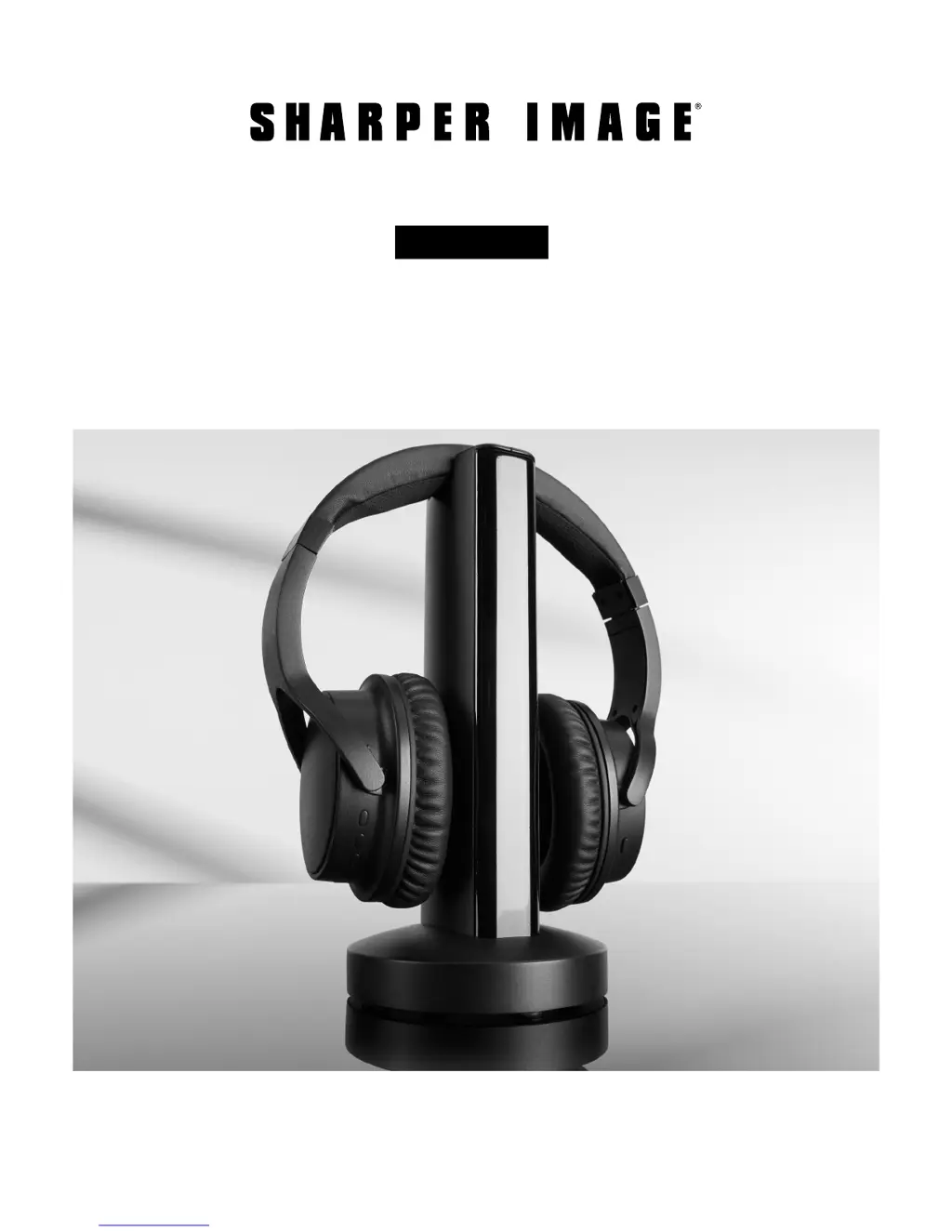
TV WIRELESS HEADPHONES
Owners Manual
Thank you for purchasing the Sharper Image TV Wireless Headphones. This updated version
has a new design with new features, including a digital audio connection for Smart TVs. Please
take a moment to read this guide and store it for future reference.
- 1 -

Questions and Answers

Summary

Parts Identification Transmitter Base

Parts Identification Wireless Headphones

Setup Guide

Charging Your Headphones

Connecting Your TV

Headphone Jack Connection

Connect using a 3.5mm audio cable from the TV headphone jack to the transmitter base.

Audio Out Connection

Use RCA to 3.5mm adapter for TV's Audio Out jacks to the transmitter base.

Digital Optical Cable Connection

Use fiber optic cable for TVs without headphone/RCA jacks, connecting to optical input.

Using the Wireless Headphones

Auto Shutoff Feature

Wired Headphone Use

System Reset Procedure

Technical Specifications

FCC Compliance and Warnings

Troubleshooting Guide

No Sound From Headphones

Check power, connections, audio signal switch, volume, and range for no sound issues.

Distorted or Hissy Sound

Adjust headphone volume, proximity to transmitter, and TV audio input levels.

TV Volume Too Loud

Use TV remote to lower TV volume; check TV's audio out or headphone jack settings.

General Troubleshooting

Test on another TV or consult TV manual if headphones still do not work after all steps.

Warranty and Customer Service

Sharper Image 206077 Specifications

General IconGeneral
BrandSharper Image
Model206077
CategoryHeadphone
LanguageEnglish

Related product manuals