TROUBLESHOOTING
Problem Possible Solution
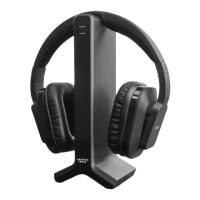
No sound coming from Headphones. • Ensure the AC adaptor is properly plugged into the
Transmitter Base and a working AC outlet.
• Ensure that the Transmitter Base is properly
connected to your TV.
• Ensure the the Audio Signal switch at the back of
the Transmitter Base is switched ON.
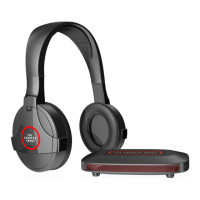
• Ensure the Headphones are charged and powered
ON.
• Increase the Headphone volume.
• Ensure that you are in range. The wireless range
is about 160 ft. but may be less if there are walls or
doors between you and the transmitter base.
• Ensure that the TV is on and that the volume is
turned up (not muted).
Important: On some newer TV sets, it may be
necessary to turn on or increase the output level
of the headphone jack or the Audio Out jacks.
Normally, you can check this by pressing the Menu
button on your TV remote control and entering the
Settings or Set Up menu. Consult your TV owner’s
manual for details
- 7 -


 To Next Page