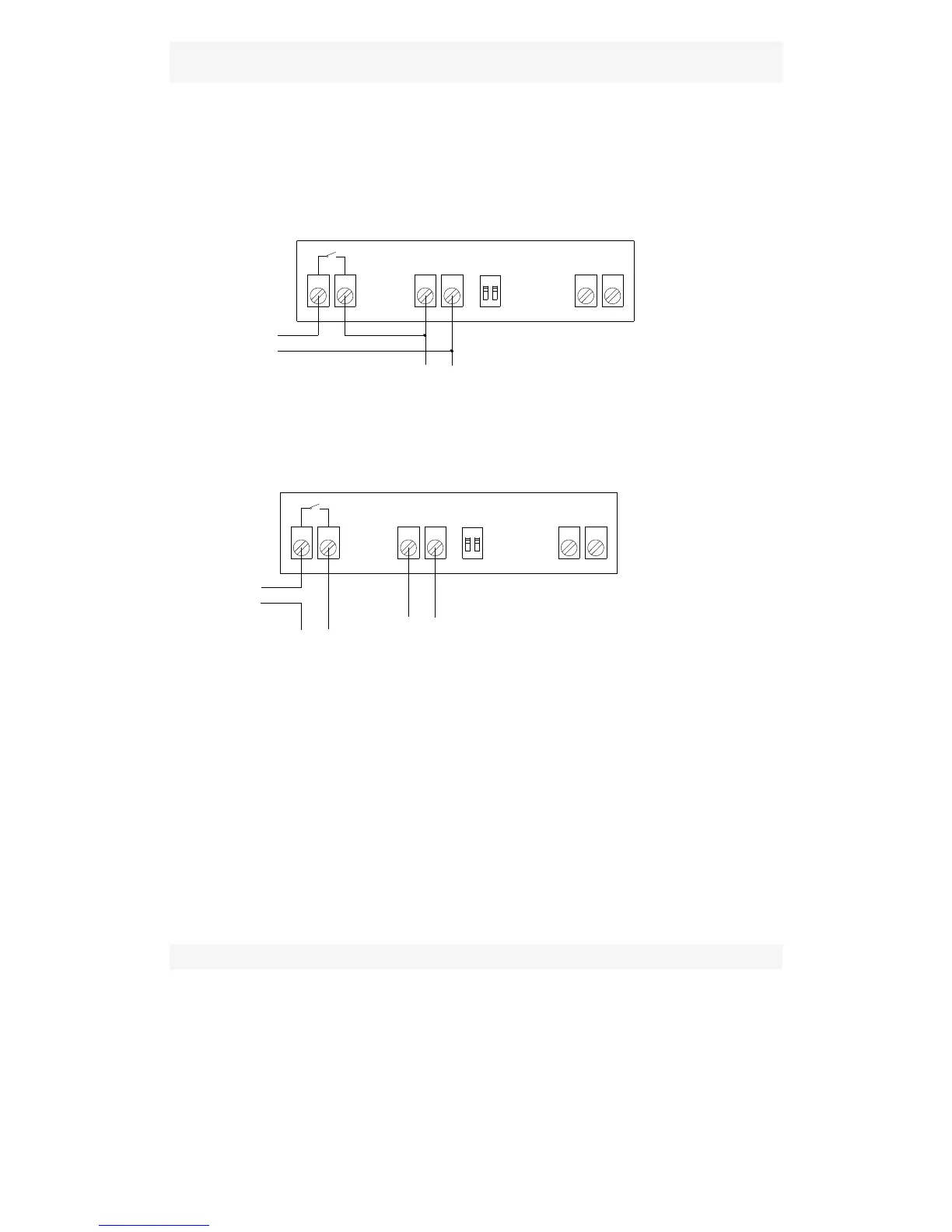
Diagram 2:
Apply to : WH7016C WH7016D WH7016C+ WH7016D+
WH1603C WH1603D WH7016N
Terminals 1 and 2: The output of cooling and heating.
Terminals 3 and 4: Connect the power
Terminals 5 and 6: Connect temperature sensor
Lock switch:
Switch either “1” or “2” to “ON”, press “SET” 3 seconds to disable
the advance model, user only can change temperature but can't
reset the system
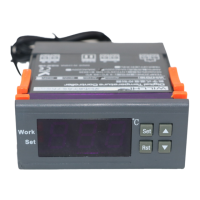
◆LED Status Description:
The WORK light is used as working indicator lights, flashing is to indicate the
delay of cooling or heating, if the LED is always on, it indicates it is on the
status of cooling or heating .
The SET light is used as setting indicator lights, if the LED is always on, it
indicates it is on the status of setting.



 To Next Page