18
(
2
)
Checking the number of chainring and sprocket teeth
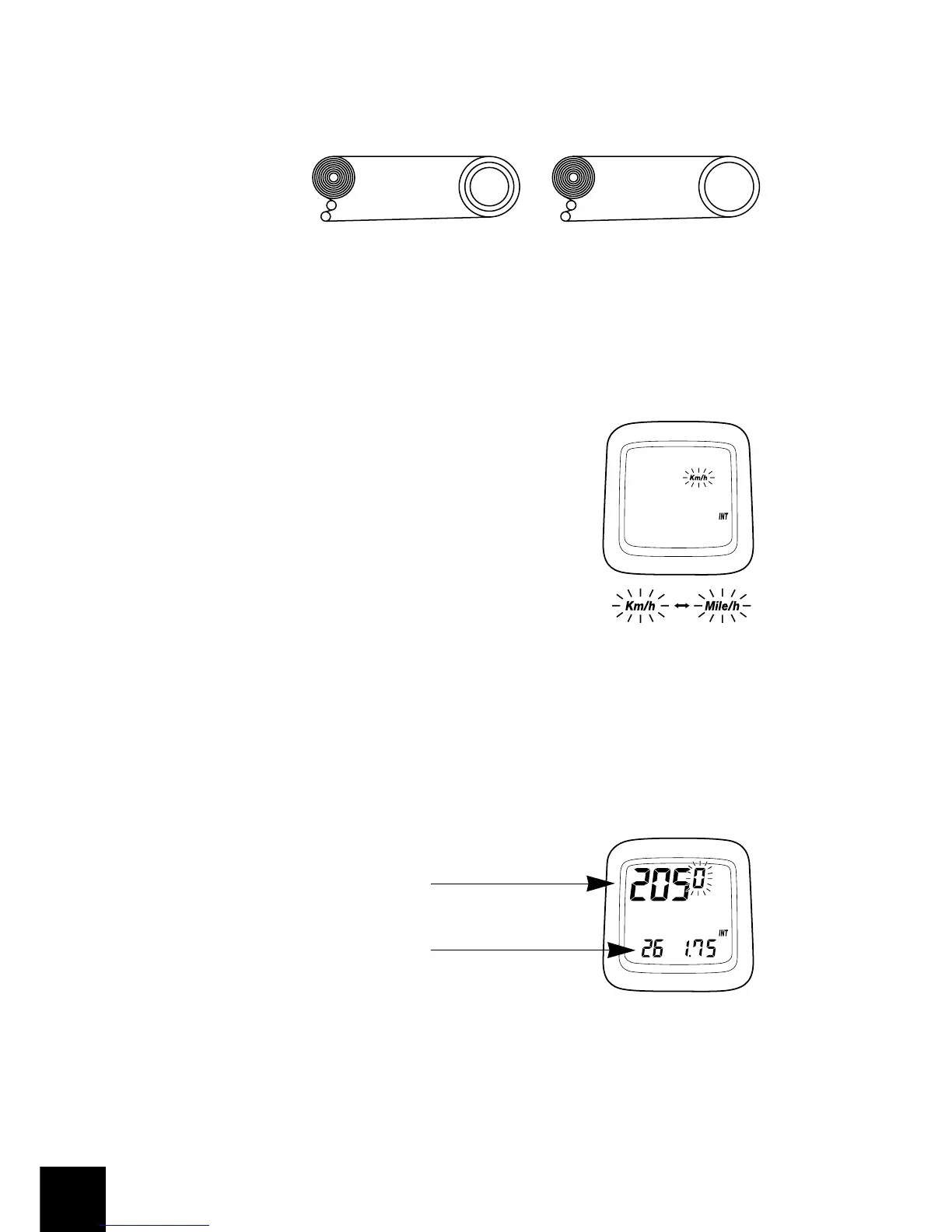
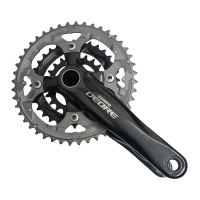
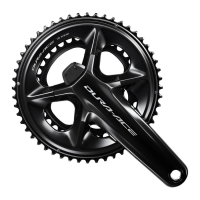
Check whether the front chainwheel is a double or a triple chainwheel.
(
3
)
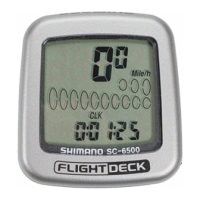
Selecting Km or Miles
When switch “AC” (All Clear) is
pressed, the display as shown in
fig6 appears and the k/h setting
starts flashing. Select your choice
for Km/h or Mile/h by pressing
switch “A”.
Once your choice is displayed,
press switch “B” continuously for 2
seconds or more to set.
Check whether the
cassette has 7,8, or 9
sprockets.
[]
Example
12,13,14,15,16,17,19,21,23
• • • • • • 9 sprocket
12,13,14,15,16,17,19,21
• • • • • • • • • 8 sprocket
Example
48x38x28 • • • • triple 53x39 • • • • • Double
Fig.6
(
4
)
Entering the tire circumference
The display will appear as shown in fig7, Enter the value which was
measured previously.
Fig.7
2050 • • • Tire circumference (mm)
26 1.75
• • • Indicates the tire size
for 26inch x 1.75


 To Next Page