EasyManua.ls Logo

Shining 3D EinScan Pro 2X - Scanning and Editing

Shining 3D EinScan Pro 2X
137 pages
Print Icon
To Next Page IconTo Next Page
To Previous Page IconTo Previous Page
Loading...
---



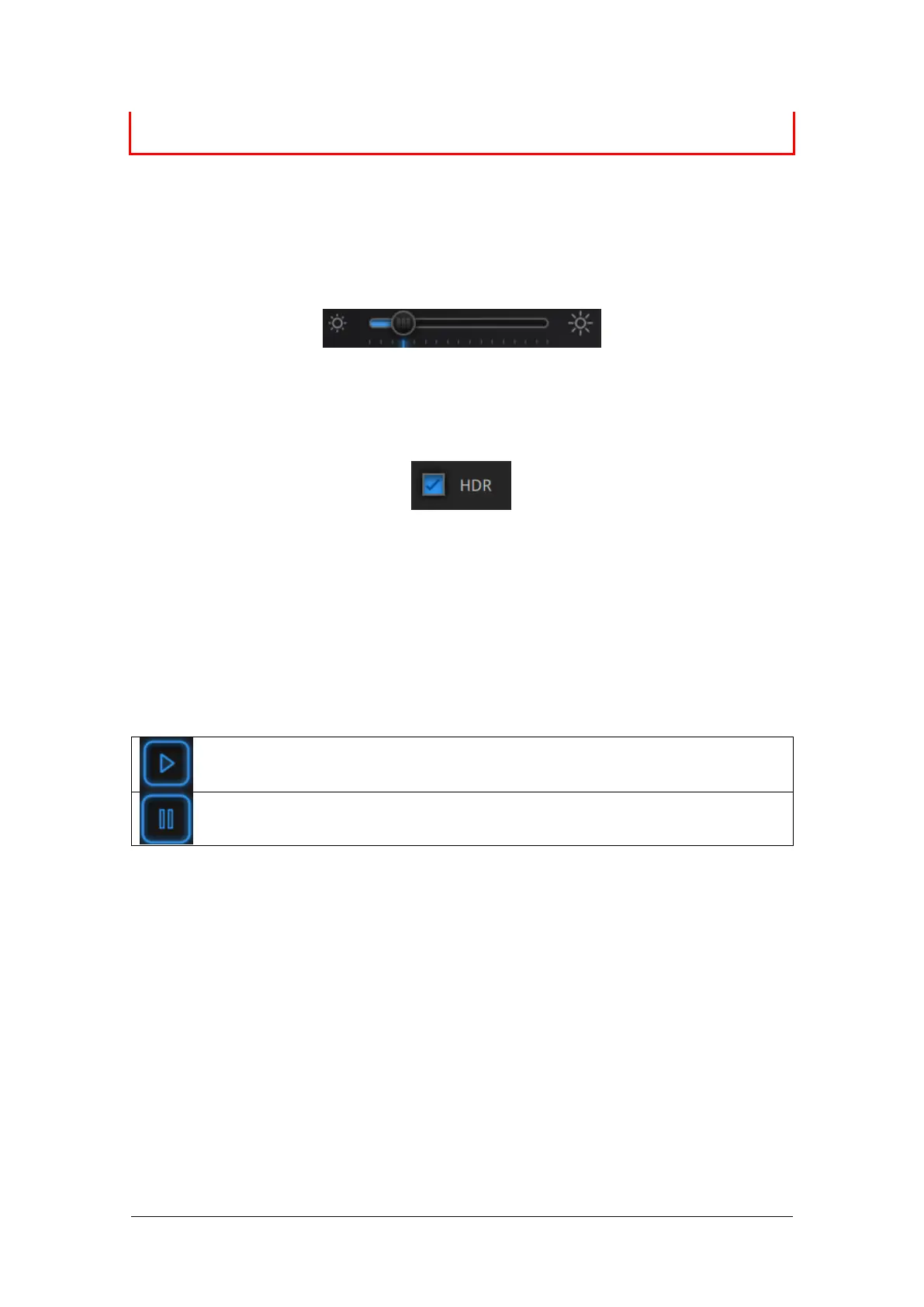
5.1.4. Adjust Brightness


Drag to adjust the brightness setting


Turn HDR ON to scan contrasting textures
5.2. Scan with Fixed Mode
5.2.1. Capture
space bar



5.2.2. Edit Scan

SHIFT + Left mouse: 

Ctrl + Left mouse: 

Table of Contents

Related product manuals