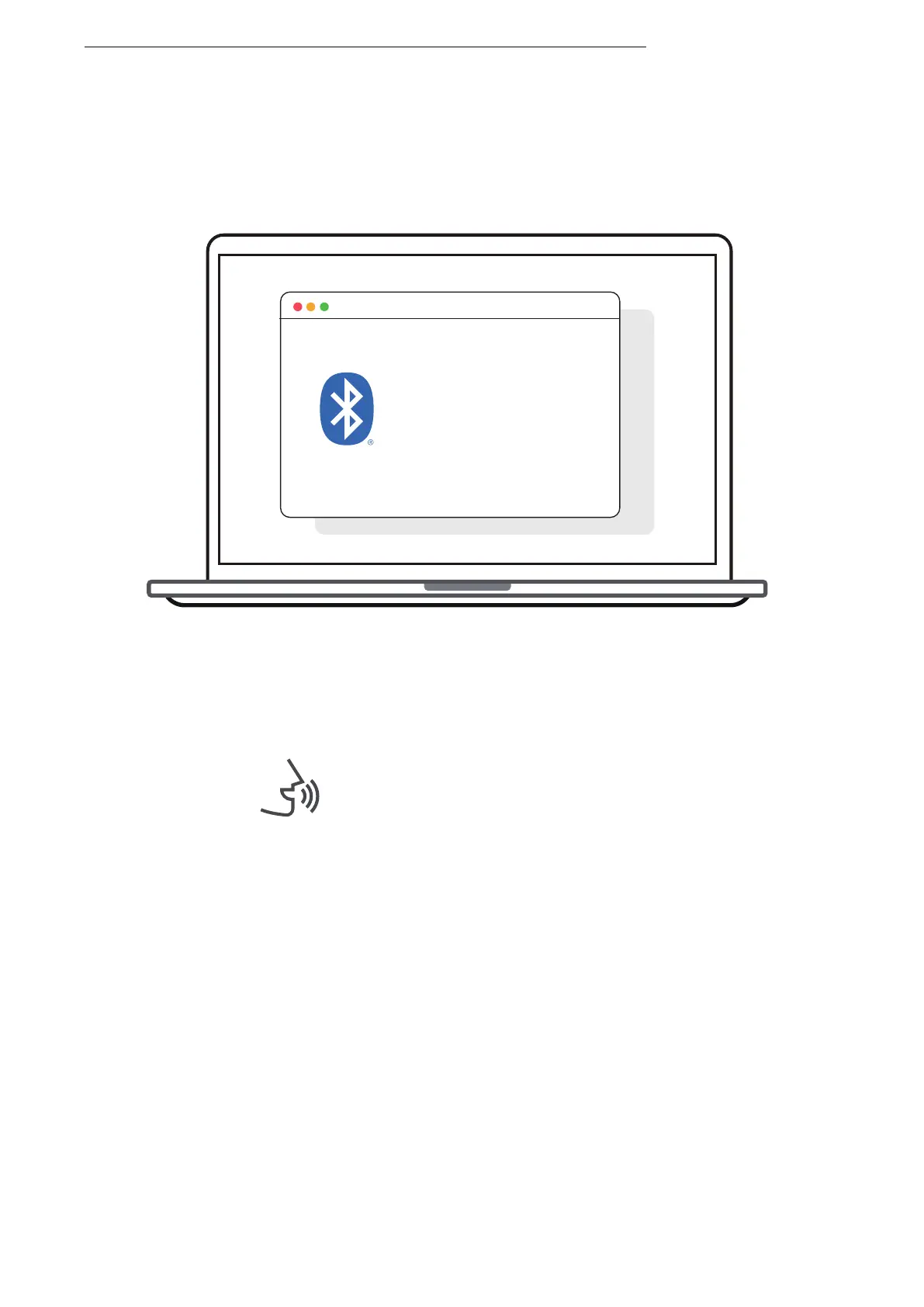
Second Device
Bluetooth : turn on
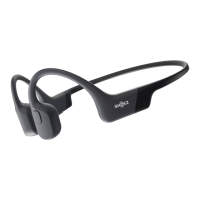
OpenRun by Shokz
connected
6.Re-enter pairing mode by pressing and holding Volume +
untilAudrey says “pairing”and the LED indicator flashes red
and blue alternately.
7.Open second device's Bluetooth® menu and select "OpenRun
by Shokz."Audrey will say, "connected."
8.Turn your headphones off.
Audrey will say, "connected".
MULTIPOINT PAIRING
19



 To Next Page