8.4. The Setup Menu
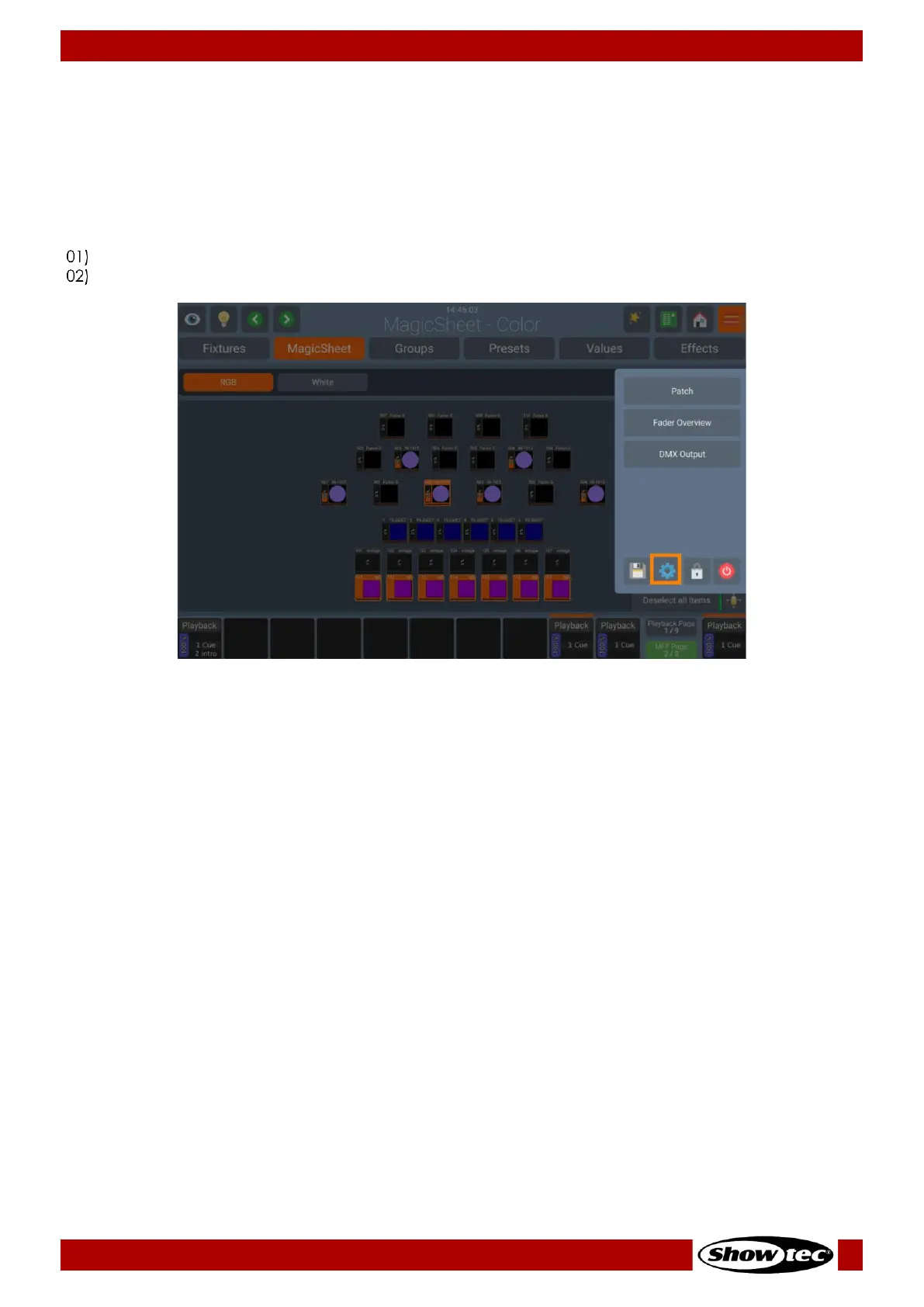
The Setup Menu is the place where all system and show wide settings are made. This includes, for
example setting the IP Address of the console or editing the fixture library or managing shows.
When no Show file is open, you can only adjust system-wide settings.
Opening the Setup Menu from within a Show
Open the Side Menu by pressing the Menu button.
Click on the button that shows a cog-icon as a symbol. We’ll refer to this button as “Setup” button.













 To Next Page