8.5.2. The Magic Sheet View
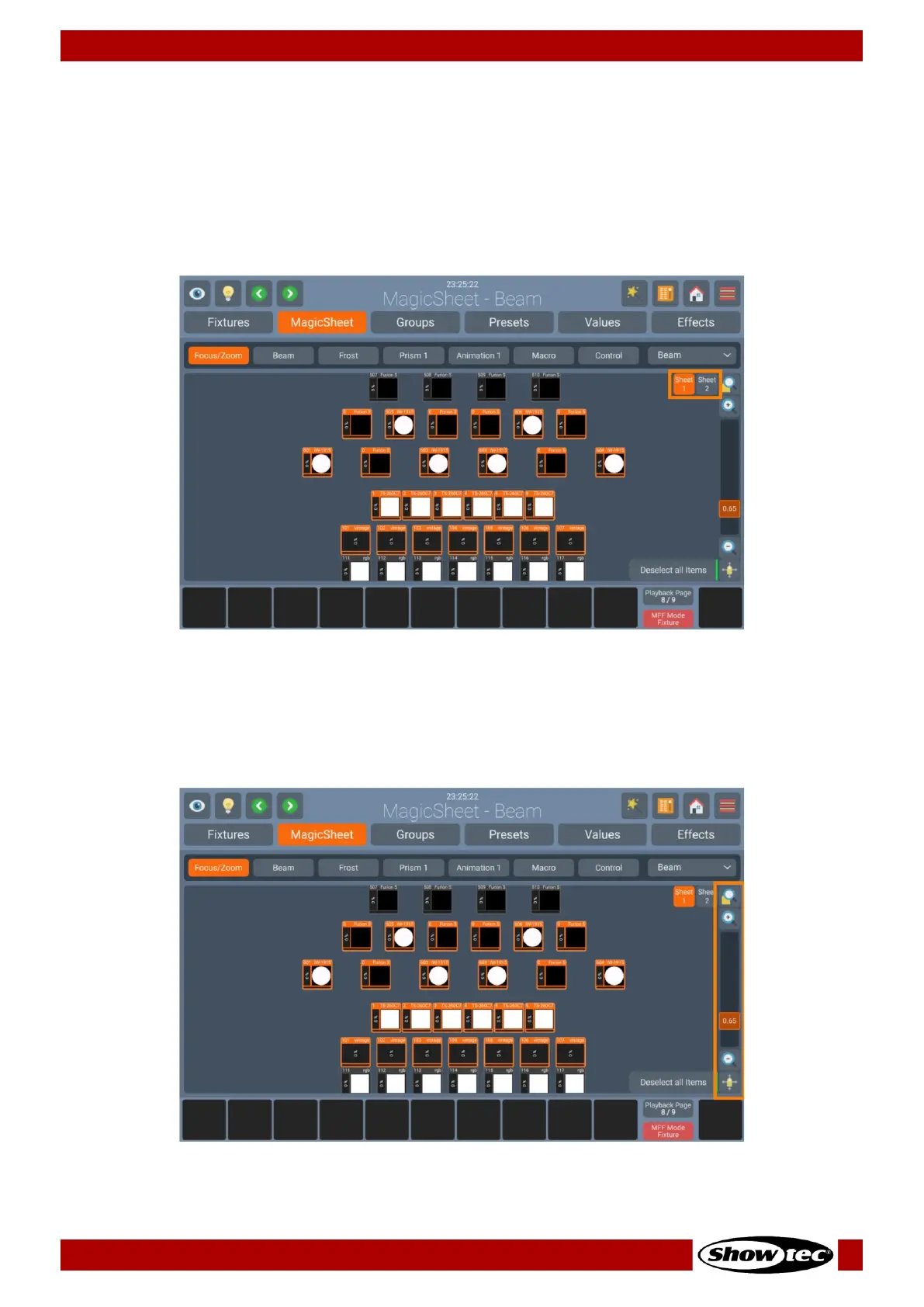
The Magic Sheet View in the Home Screen is the place where you select fixtures, which may be arranged
to your liking, for example resembling the physical layout – or just in a very simple grid layout.
If you have a 2-Universe console or a 1 Universe console with the LAMPY DNGL attached, you have 2
different and independent Magic Sheets to lay out your fixtures. The different sheets may be selected
using the Sheet Buttons in the top right of the Magic Sheet View.
8.5.2.1. Navigating the Magic Sheet View
You may navigate around the Magic Sheet using the buttons and sliders found on the right side of the
Magic Sheet View:













 To Next Page