Product: 50740 / 50741 / 50742 / 50743
8.5.2.2. The Fixture Item
The Fixture Item itself provides several layers of feedback to you:
This Fixture is not selected, Dimmer is at 0% and no Values are in the Programmer.
This Fixture is selected (orange background), is outputting 100% Dimmer, yellow color
and a Gobo. Pan / Tilt is centered. The Red Bar at the bottom indicates that this fixture
has Values in the Programmer (Values View) set.
8.5.2.3. The Long-Click Menu
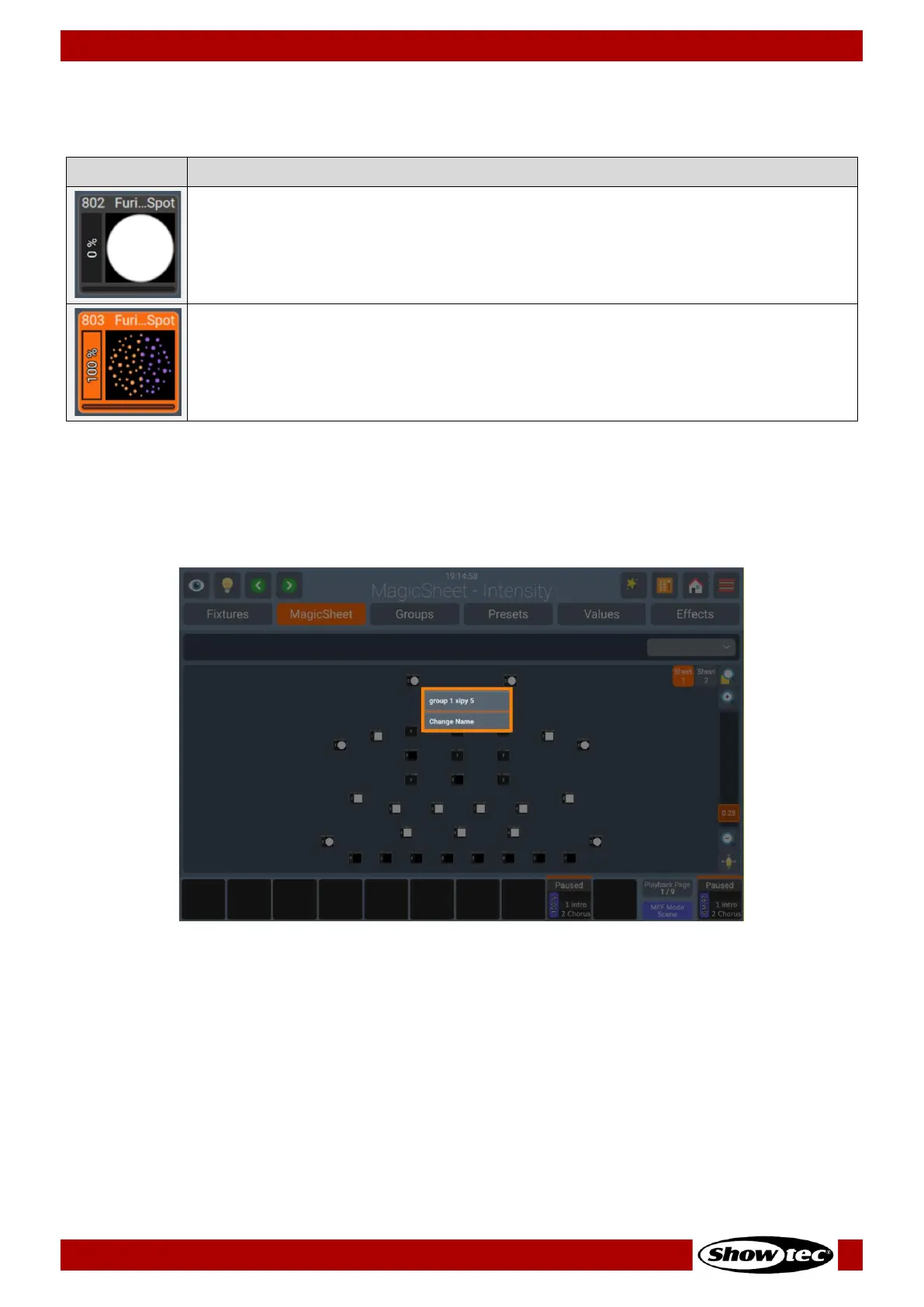
The long-click menu provides distinct sets of actions based on the item whether it is invoked. In the
context Fixture and group items, will provide the possibility to Change Name. Within a Label, will open the
Edit Label dialog, so name and color can be change.
Fig. 101: Magic Sheet View – Long-click Menu for a Group













 To Next Page