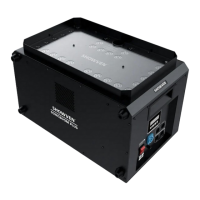
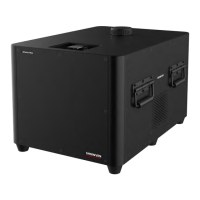
Δ Operation Panel
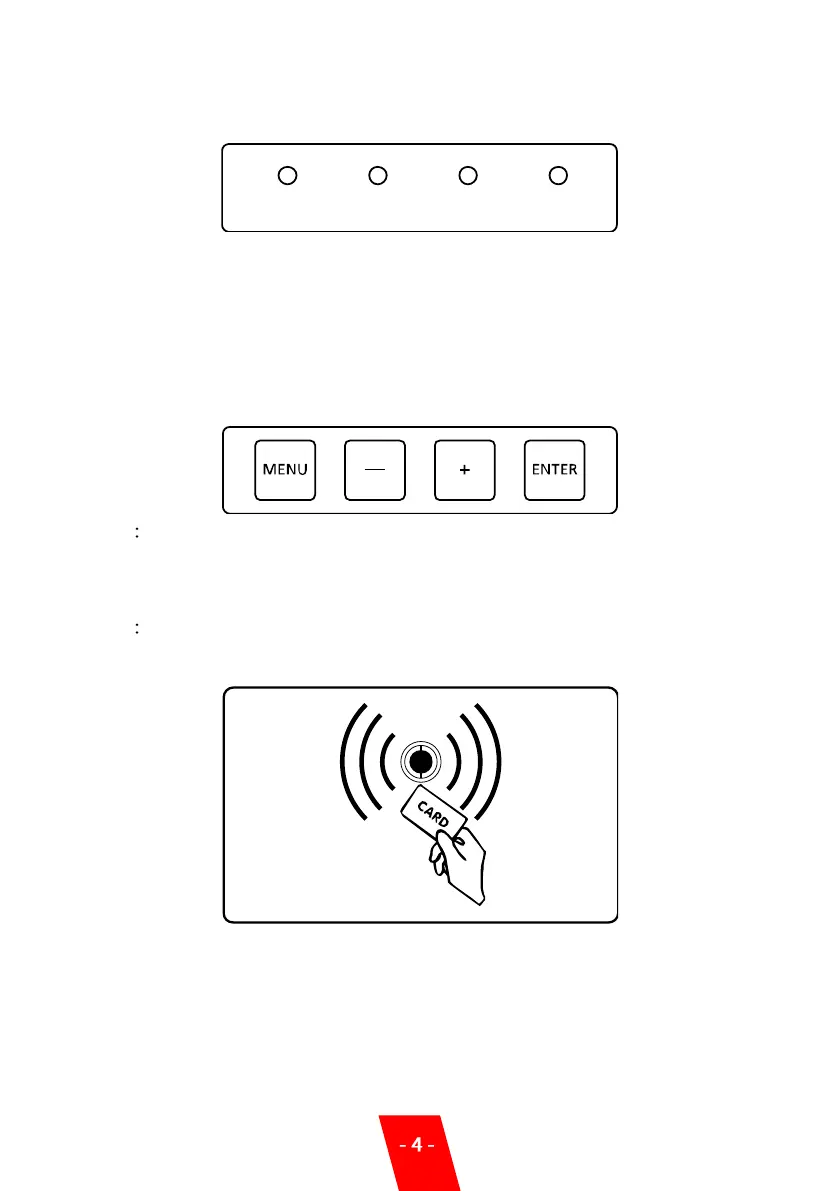
1. LED display area
READY: After turn on machine, it will automatically preheat around 5 minutes, when the
"READY" green light turns from flashing into long on, indicates that the machine is
ready to work.
DMX: Flashing shows that DMX signal is connected, otherwise is without signal
FAULT: When any malfunction, the indicate light turn on
HEAT: When the machine is heating, signal light turn on
2. Control button area
MENU Short press to switch interface, press and hold for 3 seconds can switch to the
advanced setup interface
-: Parameters down
+: Parameters up
ENTER Confirm and save parameters.
3. RFID area
Composite Ti with RFID card, swiping cards used to identify parameters and types of granules.
The RFID card is disposable, one card can only use one time.


 To Next Page