Shure Incorporated
4/36
◦
◦
◦
◦
◦
◦
◦
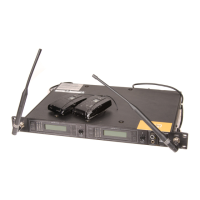
① Antenna
Two antennas per receiver. Antennas pick up the signal from the transmitter.
② RF status LED
ON = Linked transmitter is on
Flashing = Searching for transmitter
OFF = Linked transmitter off or transmitter unlinked
③ Group button
Press and hold for two seconds to enable manual group edit.
④ Link button
Press to manually link receiver to a transmitter or to activate the remote ID function.
⑤ Channel button
Press to start a channel scan.
⑥ Display
Shows receiver and transmitter status.
⑦ Gain buttons
Press to increase or decrease transmitter gain in 1 dB increments.
⑧ Battery charging indicator
Illuminates when battery is in charging bay:
Red = Battery charging
Green Flashing = Battery charge > 90%
Green = Battery charged
Amber Flashing = Charging error, replace battery
⑨ Battery charging bay
Charges transmitter battery.
⑩ Power switch
Powers the unit on and off.



 To Next Page