link
mode autoaudio rf channel
group
50 mA1,000 mA
maximum
9 V
+ + + +
50 mA 50 mA 100 mA 250 mA
500 mA
link
mode autoaudio rf channel
group
1,000 mA
maximum
9 V
< + + +
300 mA 350 mA 400 mA 250 mA
1,300 mA
Firmware
Firmware is embedded software in each component that controls functionality. Periodically, new versions of firmware are developed to incorporate additional
features and enhancements. To take advantage of design improvements, new versions of the firmware can be downloaded and installed using the Shure Update
Utility tool.
Software is available for download from http://www.shure.com/update-utility.
Connect to the Computer
Connect the device to your computer using the USB to Micro USB cable supplied with your GLX-D system.
o / on power mic out instr out
GLXD1
GLXD2
GLXD4
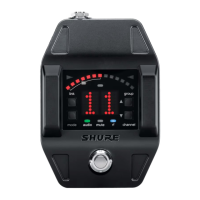
GLXD6
Shure IncorporatedGLXD6 Guitar Pedal Receiver with Integrated Tuner
13/172017/09/15


 To Next Page
 Loading...







