Shure Incorporated
5/9
•
•
•
•
•
•
•
•
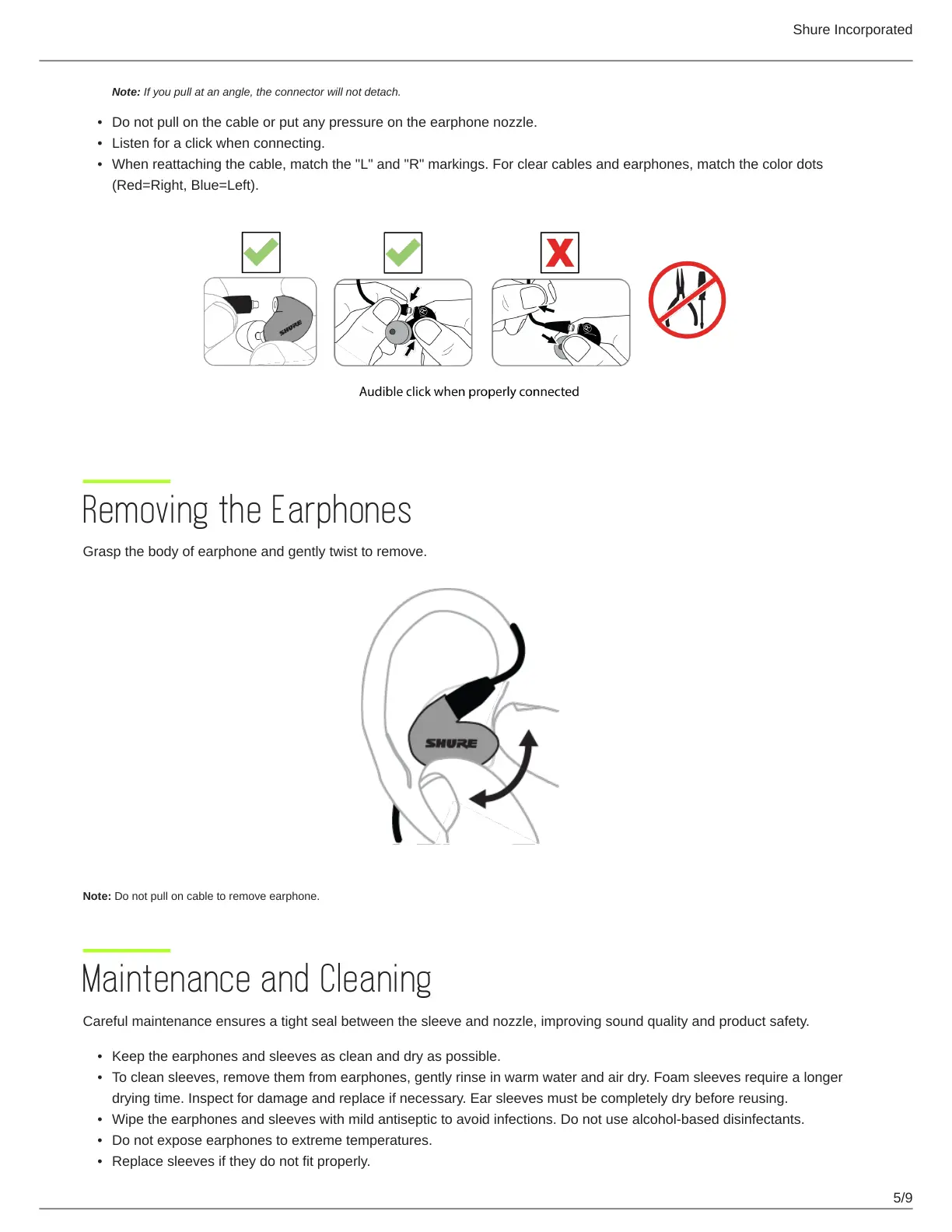
Note: If you pull at an angle, the connector will not detach.
Do not pull on the cable or put any pressure on the earphone nozzle.
Listen for a click when connecting.
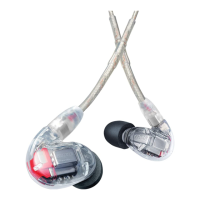
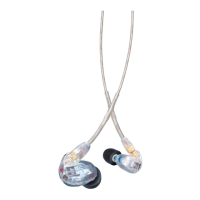
When reattaching the cable, match the "L" and "R" markings. For clear cables and earphones, match the color dots
(Red=Right, Blue=Left).
Removing the Earphones
Grasp the body of earphone and gently twist to remove.
Note: Do not pull on cable to remove earphone.
Maintenance and Cleaning
Careful maintenance ensures a tight seal between the sleeve and nozzle, improving sound quality and product safety.
Keep the earphones and sleeves as clean and dry as possible.
To clean sleeves, remove them from earphones, gently rinse in warm water and air dry. Foam sleeves require a longer
drying time. Inspect for damage and replace if necessary. Ear sleeves must be completely dry before reusing.
Wipe the earphones and sleeves with mild antiseptic to avoid infections. Do not use alcohol-based disinfectants.
Do not expose earphones to extreme temperatures.
Replace sleeves if they do not fit properly.






 To Next Page