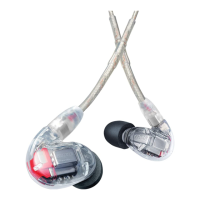
Inserting the Earphones
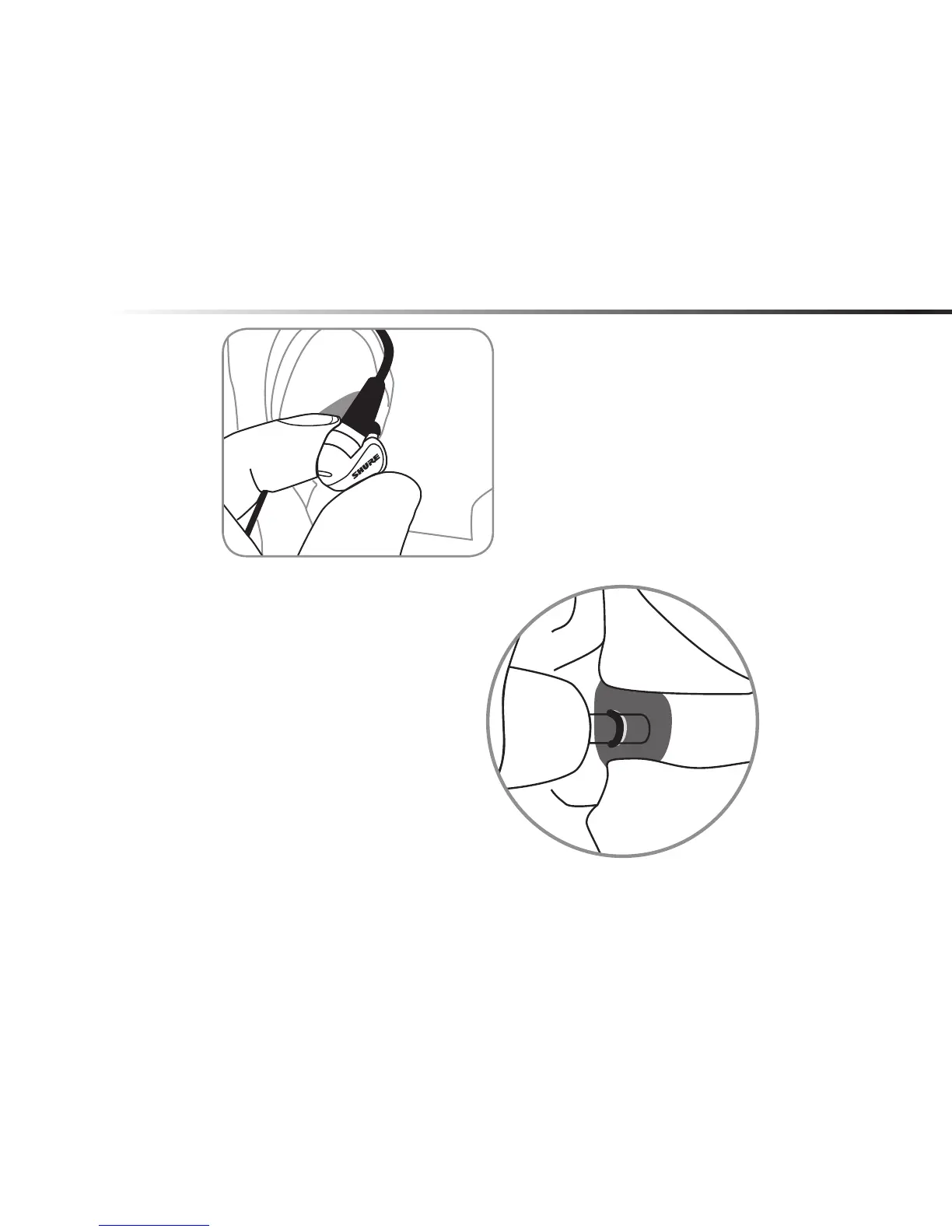
Insert the earphones so they form
a tight seal. The fit of the earphone
can greatly affect sound quality.
Important: If there seems to
be a lack of low frequency
response (bass), this means
that the earphone sleeve
is not forming a tight seal.
Gently push the earphone
deeper into the ear canal or
try a different sleeve.
Warning:Do not push the earphone sleeve beyond the ear canal opening.



 To Next Page