- 46 -
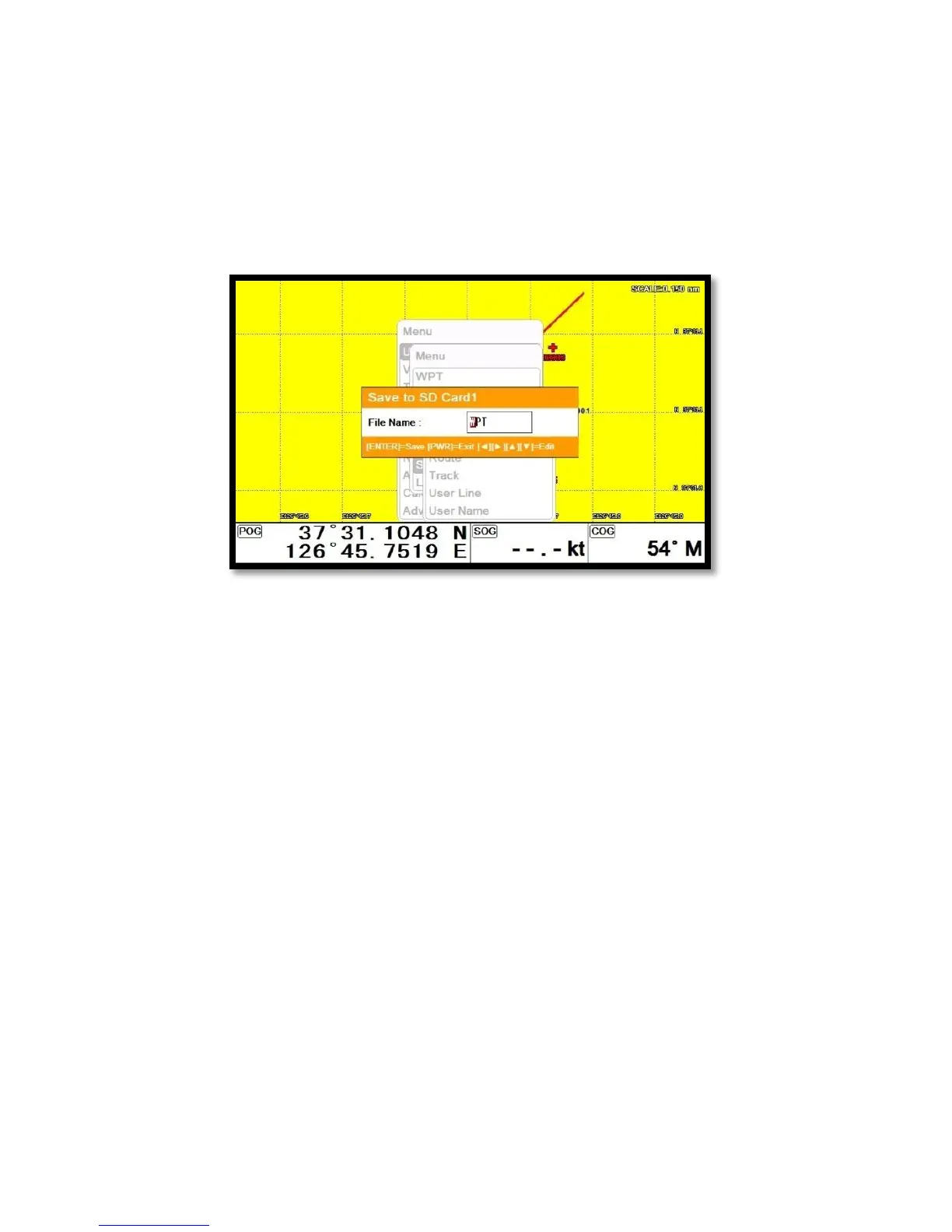
11. Save User data
▶[MENU]->User data->Save User data
User data is stored in the external Micro SD. So if you want to save the user data, a micro SD must be
inserted in the slot.
(*User data is in “...\HY\User Data\”)
11.1. WPT
WPT can be stored in a micro SD.
When storing, give it a name and you will be able to store many WPT’ in the micro SD.
11.2. Route
Route can be stored in a micro SD.
When storing, give it a name and you will be able to store many routes in the micro SD.
11.3. Track
11.3.1. Type1
Track can be stored in a micro SD.
When storing, give it a name and you will be able to store many tracks in the micro SD.
11.3.2. Type2
Track can be stored in a micro SD.
Index will be a standard in Type2. After choosing the index, stored it.
11.4. User Line


 To Next Page