- 86 -
#Sonar getting started
1. Choosing the frequency
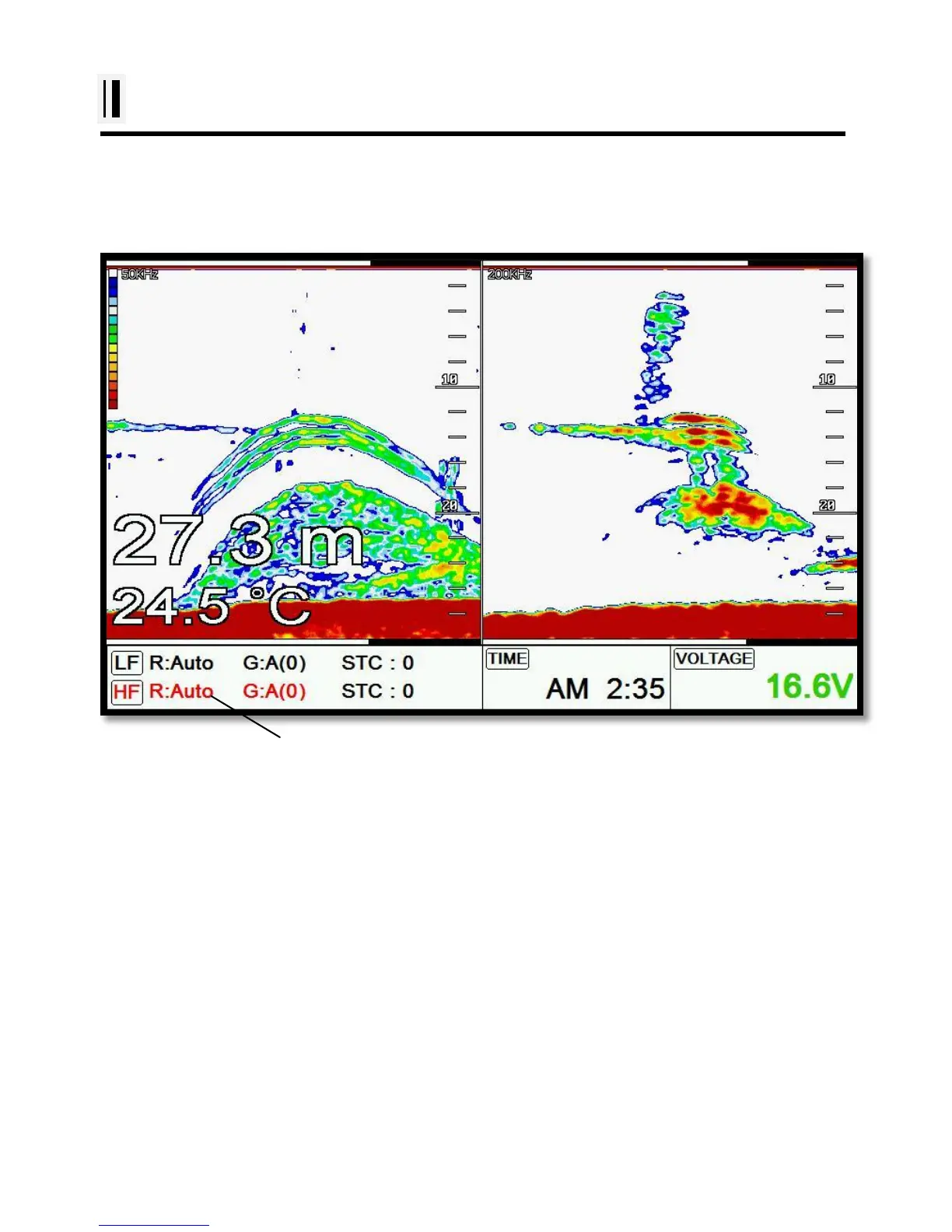
In dual frequency mode, choose the frequency with the [▲][▼].
(*The chosen frequency shows in red)
2. Auto/Manual Gain
Press [ENTER] to choose” AUTO/Manual” of Gain.
3. Gain/STC
Choose “Gain” and “STC” with [◀][▶].
4. Controlling Gain
1. Choose the frequency.
2. Choose the gain.
3. Twisting the rotary key to control the gain.



 To Next Page