- 52 -
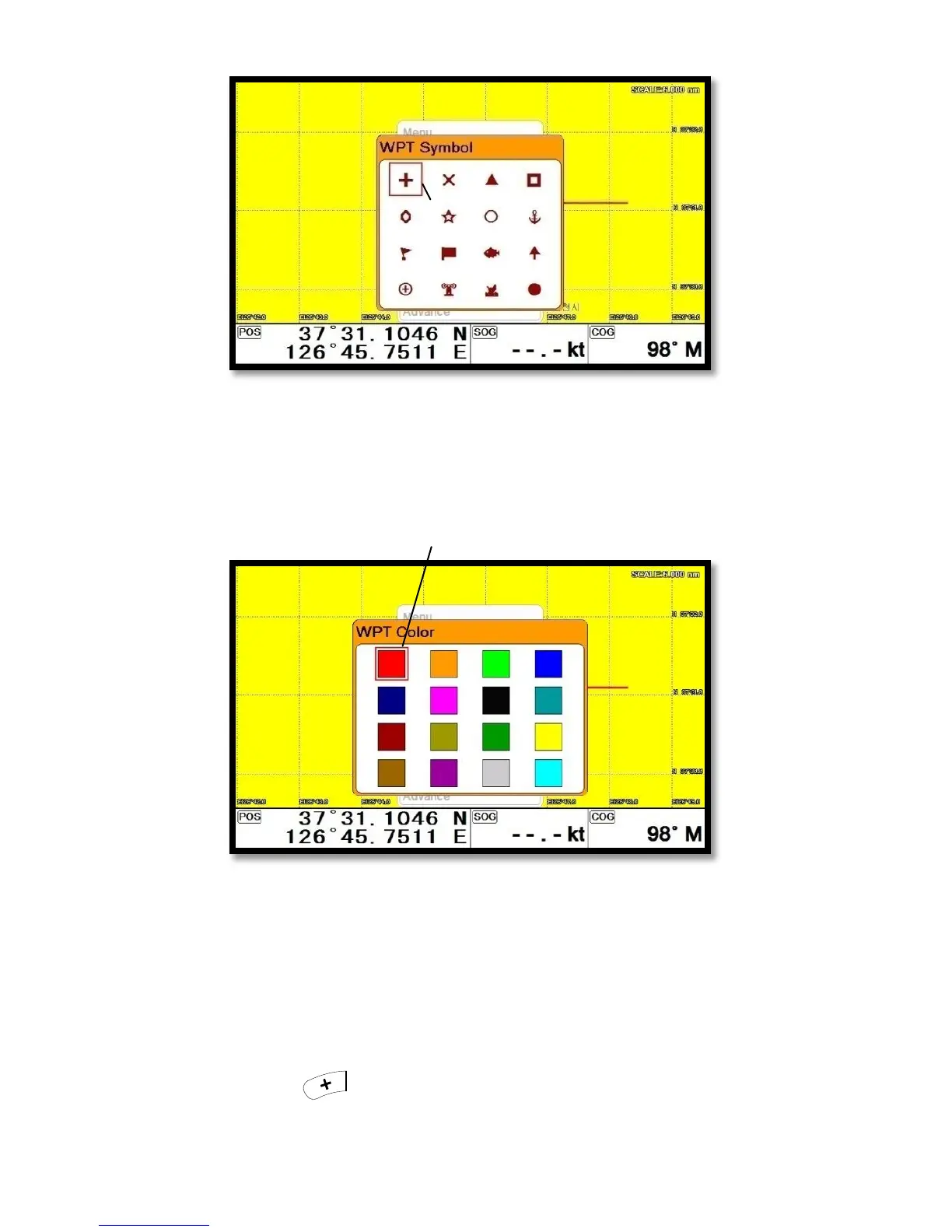
Choose the symbol and press [ENTER].
The chosen symbol will show when inputting WPT.
2.3. Setting WPT Color
▶[MENU]->WPT Color
Choose the color and press [ENTER].
The chosen color will show when inputting WPT.
2.4. Creating
2.4.1. Creating on the list
▶[MENU]->User data->WPT->List->[+]
Adding WPT with pressing .


 To Next Page
 Loading...