- 59 -
3.3. Creating
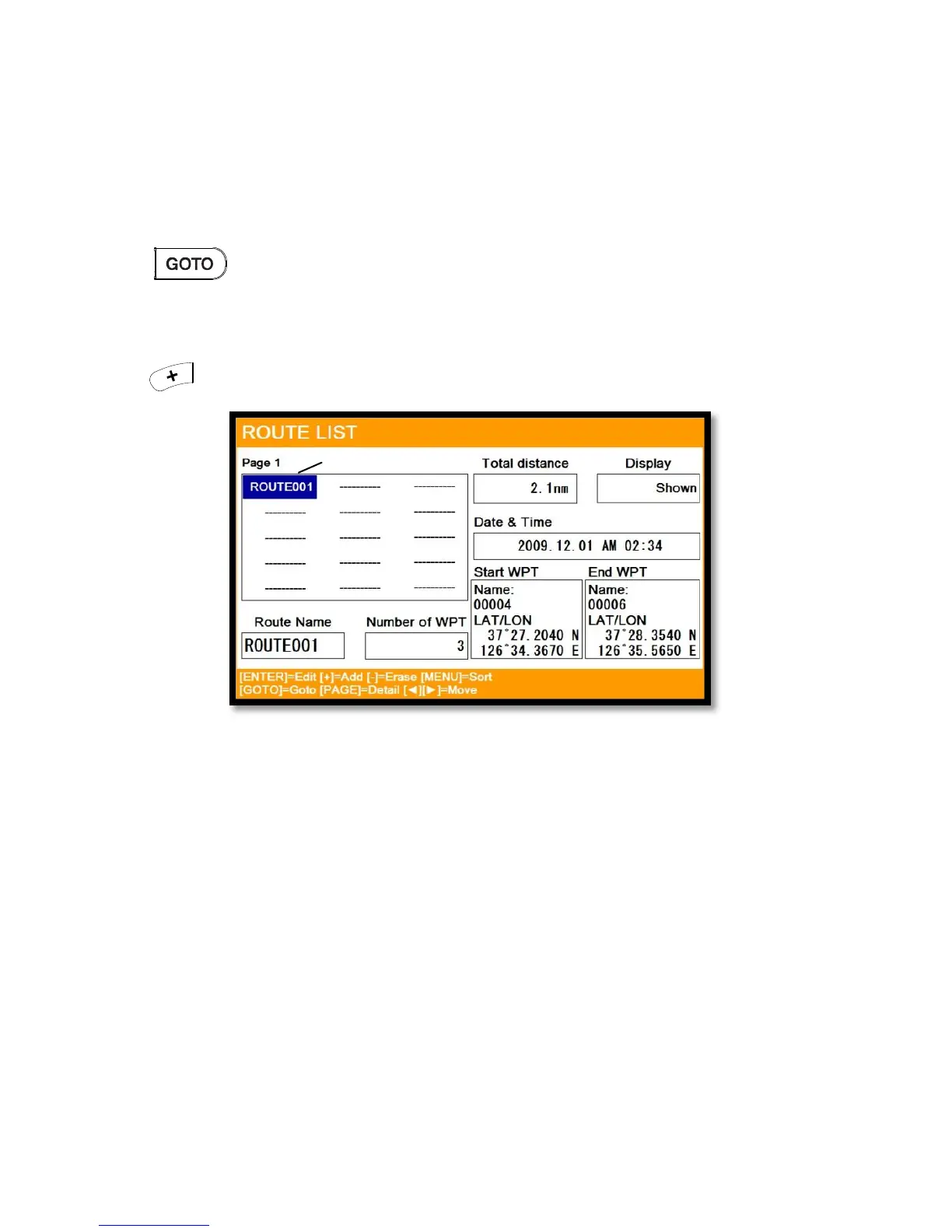
Two ways to create route
The first uses “GOTO type1” and the second is “Creating new route” on the list.
3.3.1. Using “GOTO”
Use “GOTO type1” and create a route. Press [ENTER] to start.
Press to exit and choose “Store” if needed.
3.3.2. Creating new route on the list
▶MENU->User data->Route->List
Press on the list to create a route.


 To Next Page