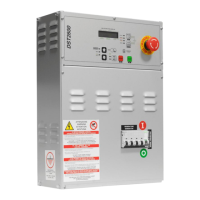
DST2600 User’s Manual 9
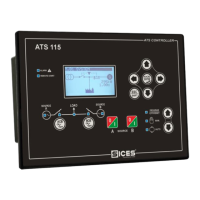
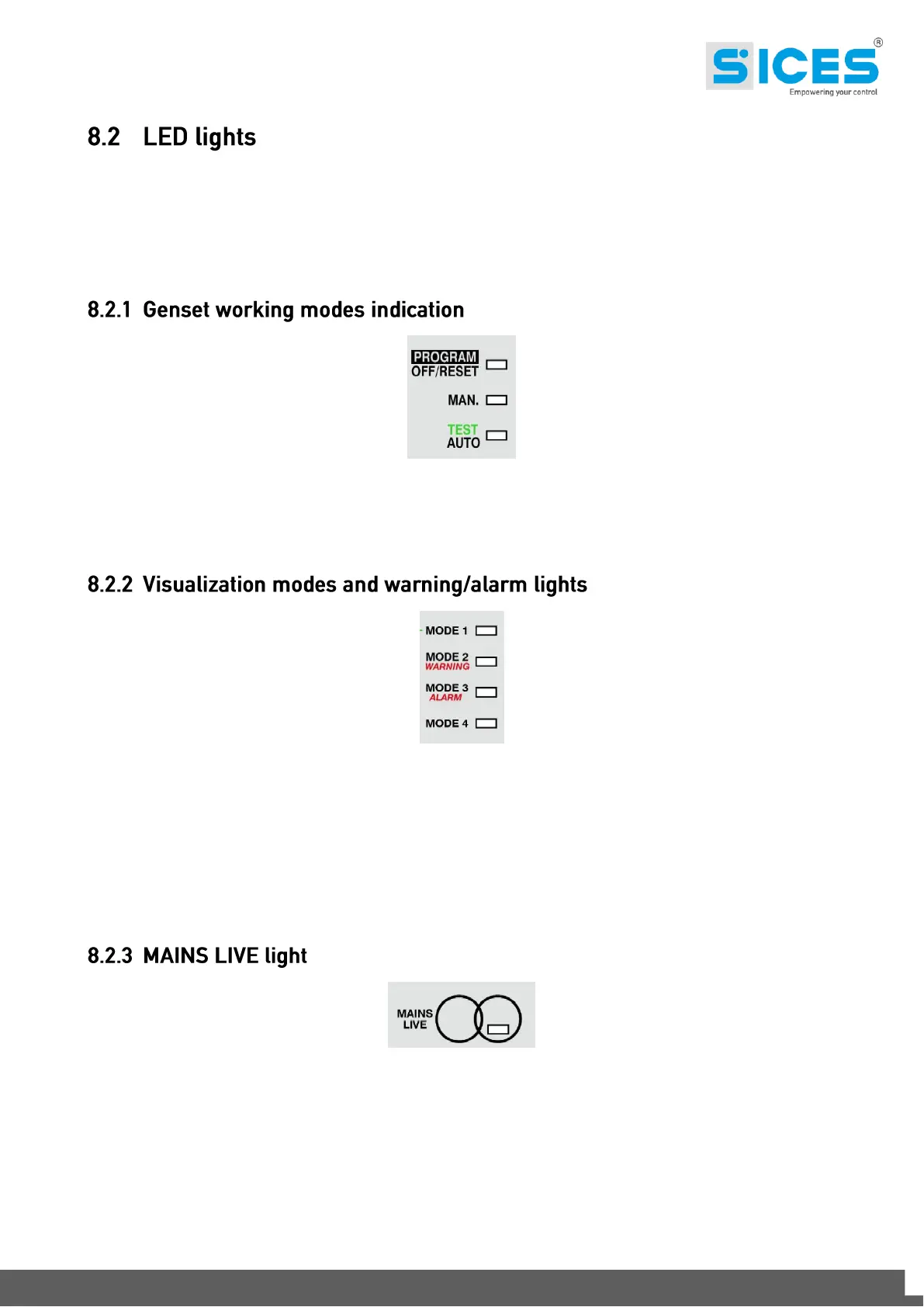
DST2600 has eleven lights, to signal status, events and for the working and visualization
modes.
In the “OFF_RESET”, by pressing the “STOP” key, all the lights will be lighted on (“LAMP
TEST”) allowing to check their proper working.
They’re three yellow lights on the left side of the arrow keys. They signal the working mode of
the device (for a complete description of the working modes see par. 8.3.1). The third lamp
signals both the “AUTO”, “REMOTE START” (if fixed) and the “TEST” modes (if flashing).
They are four yellow lights, on the right side of the multifunctional display. They show what is
the actual visualization of the display; press the “MODE/ACK” key to scan the four modes.
The “MODE 2 WARNING” light also flashes when a warning arises (an anomaly that doesn’t
cause the engine shutdown); the “MODE 3 ALARM” instead flashes when a block or a
deactivation has occurred. When a new anomaly occurs (of any type) the display visualizations
is forced to “MODE 1”, allowing the visualization of the description of the anomaly. It is however
possible to select any other mode, also with one or more anomalies pending.
The “MAINS LIVE” (green) light shows the mains status. It has the following meanings:
OFF: mains not present.
Flashing: the mains is present but the voltage on one or more phases is not between
the programmed tolerance thresholds (or they are but from a time shorter than the
one configured); if loads are changed over on generator, they must stay on it.
Furthermore, the light signals also the genset inhibition status (see par. 11.6). If the
inhibition status is active, the light flashes also if mains is present.


 To Next Page
 Loading...