4 User’s Manual
The generator is disabled; warnings and lockouts are cancelled.
You can program the parameters.
Gen-set is in manual mode.
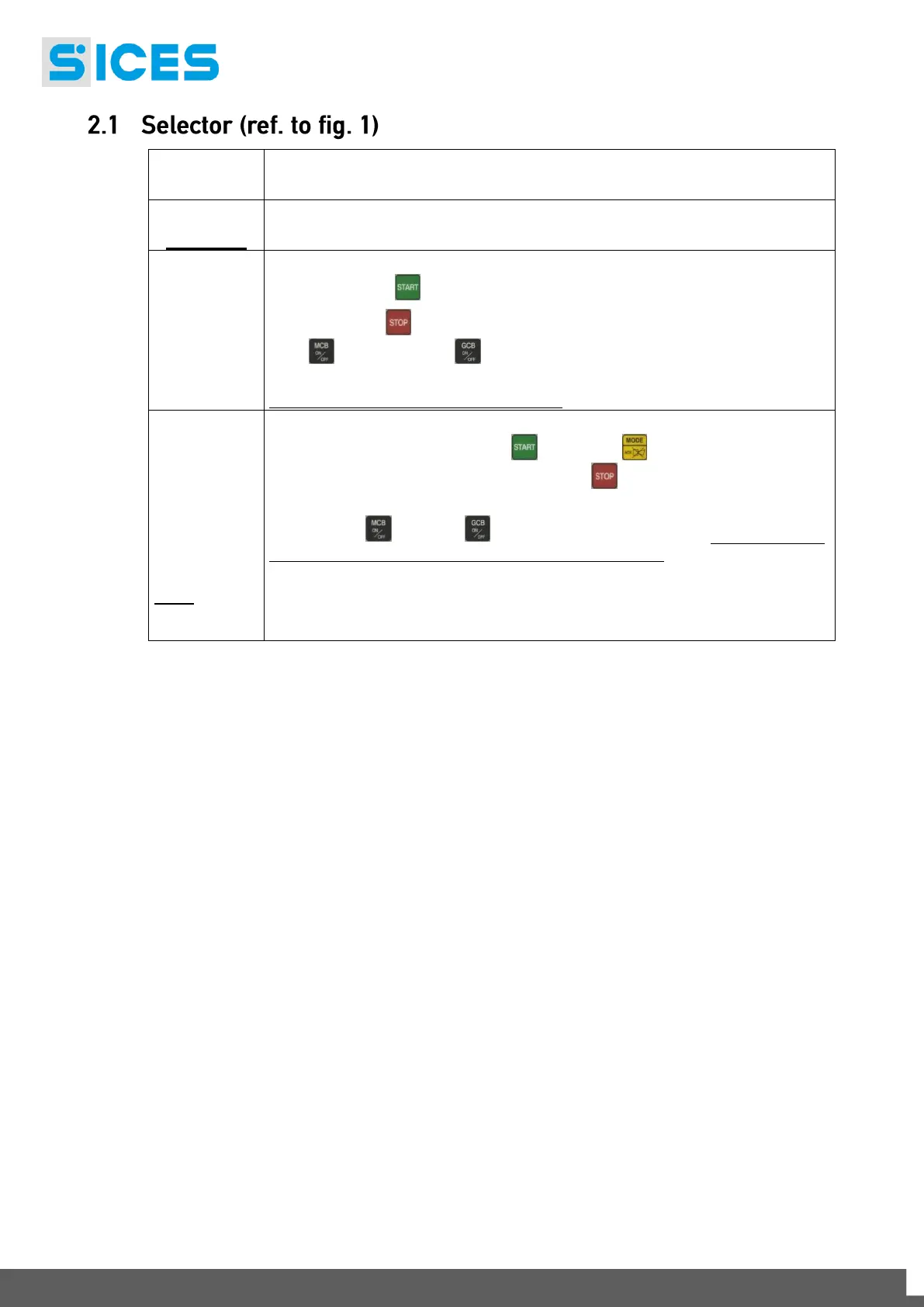
Press the START button to start the engine.
Press the STOP button to stop the engine.
MCB button and GCB button for the manual control of the
commutation/switches in accordance with system SW - HW configuration.
With BUS ON, synchronization is required.
Gen-set is in automatic mode: all the functions are controlled automatically. The
combination of the buttons START and MODE lets you
activate/deactivate the TEST mode; the STOP button lets you stop the
generator (with a lockout).
Buttons MCB and GCB let you switchover the devices (only in the TEST
mode and on the basis of the type and plant configuration).
The activation of a suitably configured external input (or receiving a given
command via SMS or from a serial port) can force the starting of the generator
and the load outlet with the network connected or with the inhibition input on
(REMOTE START).



 To Next Page