28
Use and maintenance Manual AUTOMATIC GENSET CONTROL PANEL with GC310/GC350
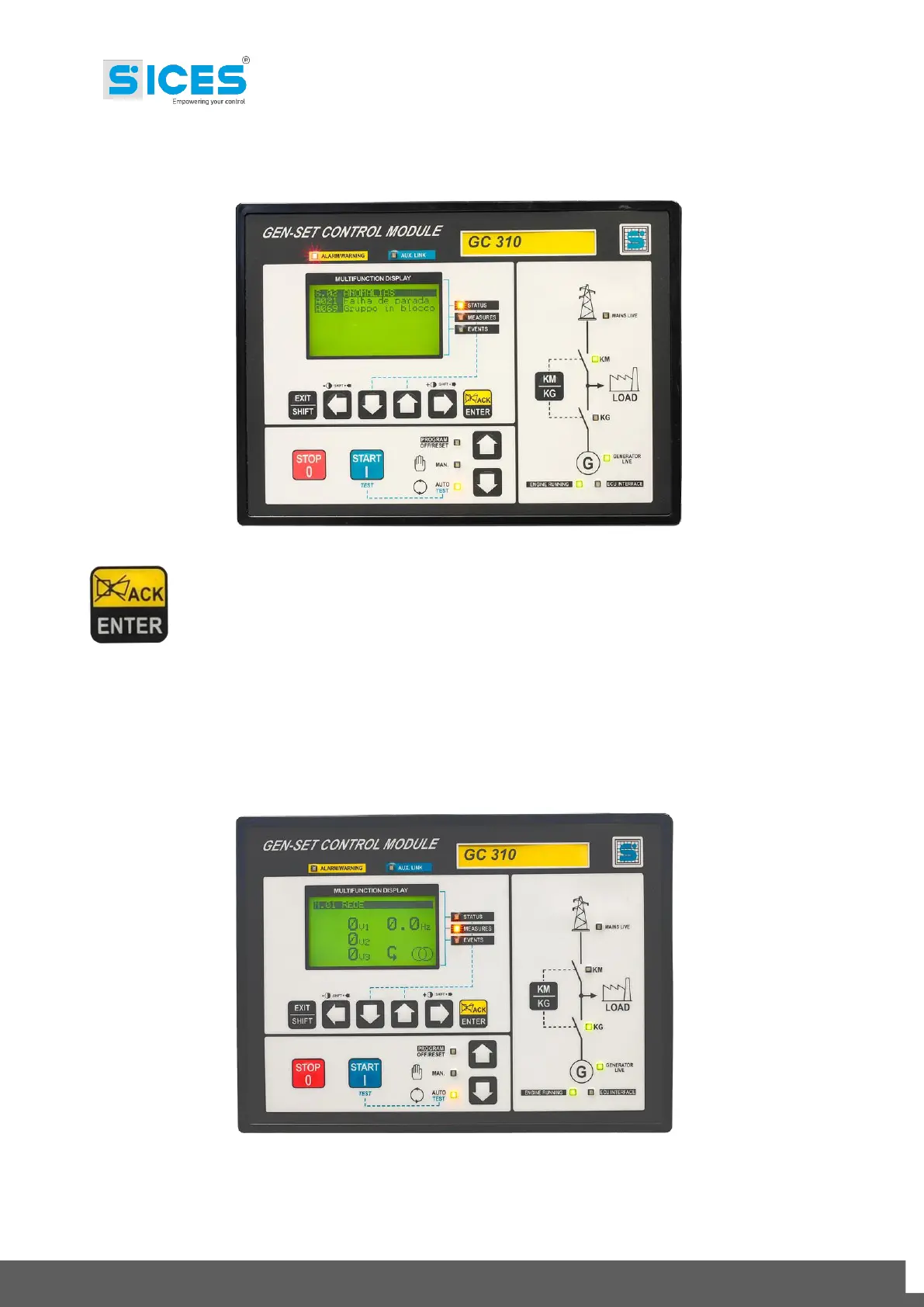
In case of alarm, a flashing acoustic/optical signalling comes up and the display automatically shows
the page with the alarm description.
Press the acknowledgement button:
Once to take the acoustic alarm off;
Twice for the acknowledgement.
With the alarm recognised and still activated, the visual signalling keeps on flashing.
Remove the cause of the alarm.
If the alarm is “Warning”, you do not need to reset the controller; if the alarm is a “Block”, you need
to reset the controller setting it in OFF mode.
In OFF mode, the display goes back to the last active page at the moment before the alarm and the
visual signalling turns off.
Afterwards, set the controller in AUTO mode again.



 To Next Page