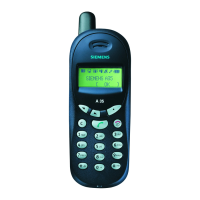
s
© Siemens AG 2005, S_Finch_Overview.fm
VAR Language: en; VAR issue date: 050307
Template 102x140 querright page (1) of A31Finch en, A31008-H2920-A1-2-7619 (29.12.2005, 10:44)
Overview
1
Display indicators
Signal strength/GPRS/battery level.
2
Softkeys
Press the softkey to call up the func-
tion that is displayed as
§Text§ or icon on
the grey fields above the key.
3
A
Call key
Dial displayed phone number or name,
accept calls. In standby mode: Display
the last calls.
4
B
On/Off/End key
• Switched off: press and hold to
switch on.
• During a conversation or in an
application: press briefly to finish.
• In menus: press briefly to go back a
level. Press and hold to return to
standby mode.
• In standby mode: press and hold to
switch off phone.
5 Navi-key
In lists and menus:
GScroll up and down.
D
Function call.
C
Back a menu level.
During a call:
E
Increase volume.
F
Decrease volume.
In standby mode:
E
Voice control (press and hold).
F
Open Addressbook/Phonebook.
DOpen menu.
C
GPRS info.
6
*
Press and hold
• In standby mode: switch on/off all
signal tones (except alarm).
• For incoming calls: only switch off
ring tones.
• Writing SMS: Press briefly to display
special characters.
7
Press and hold
In standby mode: switch key lock
on/off.
8
Plug socket
For charger, headset.
This is a summarised version of the
User Guide. The complete version in
English and German can be found on
the Internet:
www.siemens.com/a31
_ ª g
Service provider
17.01.2006 09:15
NewMMS
Menu
A31

 Need help?
 General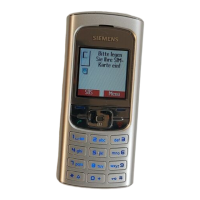

 To Next Page