10
2
3
5
7
4
6
8
12
1
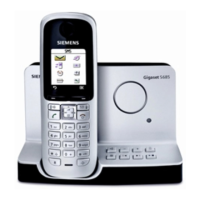
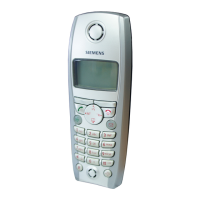
The handset at a glance
11
13
9
1 Registration/paging key:
Search for handsets (press briefly, "Paging"
¢ page 10)
Register handsets (press and hold
¢ page 10).
2 On/Off key: activate and deactivate answer machine.
Lights up: answer machine is activated.
Flashes: there is at least one new message or message is in the process
of being recorded.
Flashes very quickly for about four seconds: memory is full.
3 Volume keys: (– = quieter; + = louder)
During message playback: adjust the speaking volume.
While phone is ringing: adjust ringer volume.
4 Play/Stop key:
Play back messages from the answer machine, or cancel playback.
During message playback:
5 Delete current message.
6 Skip to the start of the current message (press once) or go to the pre-
vious message (press twice).
7Skip to next message.
Display keys on handset:
Pressing a key launches the function that
appears above that key in the display.
Display
icon
Function when pressed
INT
Call other registered handsets
¢ page 10.
MENU
Open main/submenu (see
Menu tree
¢ page 16).
“
Go back one menu level.
U
Scroll up/down or adjust vol-
ume with u.
T
Move cursor to left/right
with u.
˜
Backspace deletes one charac-
ter at a time from right to left.
OK
Confirm menu function or save
entry.

 Need help?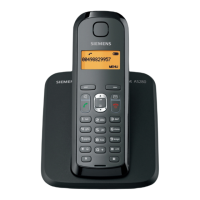





 To Next Page
 General