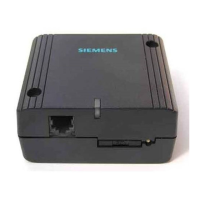
5
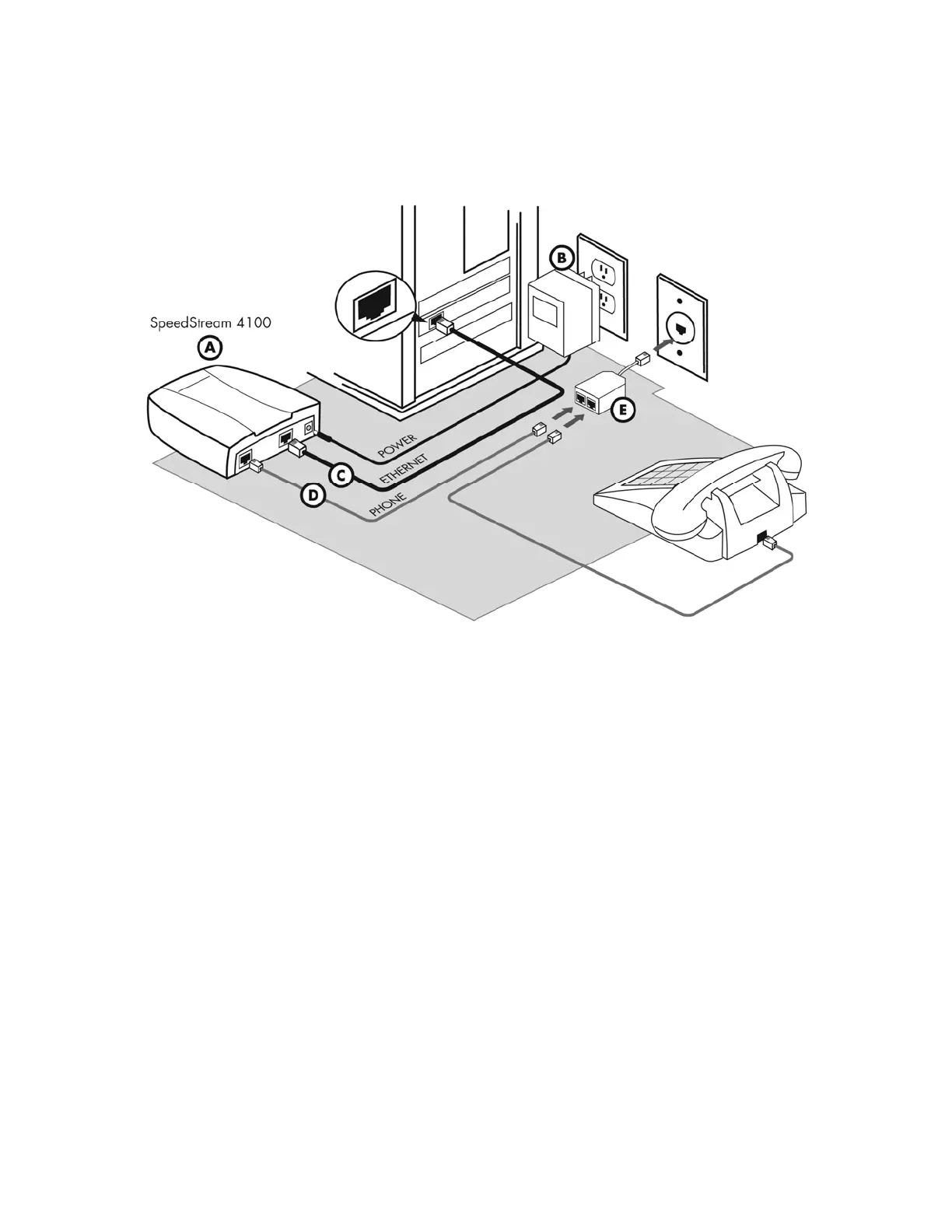
Installation Diagram:
light does not turn solid:
• Your circuit may not be turned on yet, if you are connecting the equipment on or before your
scheduled installation date. This is not indicative of a problem- please wait until the day after your
scheduled installation date before reporting a problem.
• Unplug the modem, reboot the computer and then plug the modem back in.
• Try another telephone jack in your home.
• If none of these steps cause the LINK light to turn green and your installation date has passed, please
contact your Internet Service Provider’s support department.


 To Next Page