en Appliance settings
34
Q Appliance settings
Appliance settings
You can alter the following appliance
settings on the control panel:
■ The volume of the information
signals (e.g. at the end of the
programme)
■ The volume of the operating signals
■ The brightness of the touch display
To alter the appliance settings, activate
setting mode.
Activating the setting mode
1. Switch the appliance on if it is off.
2. Touch ç on the touch display for
3 seconds.
This activates setting mode.
The symbols for settings à and ‘ will
appear on the touch display, along with
the current volume of the information
signals.
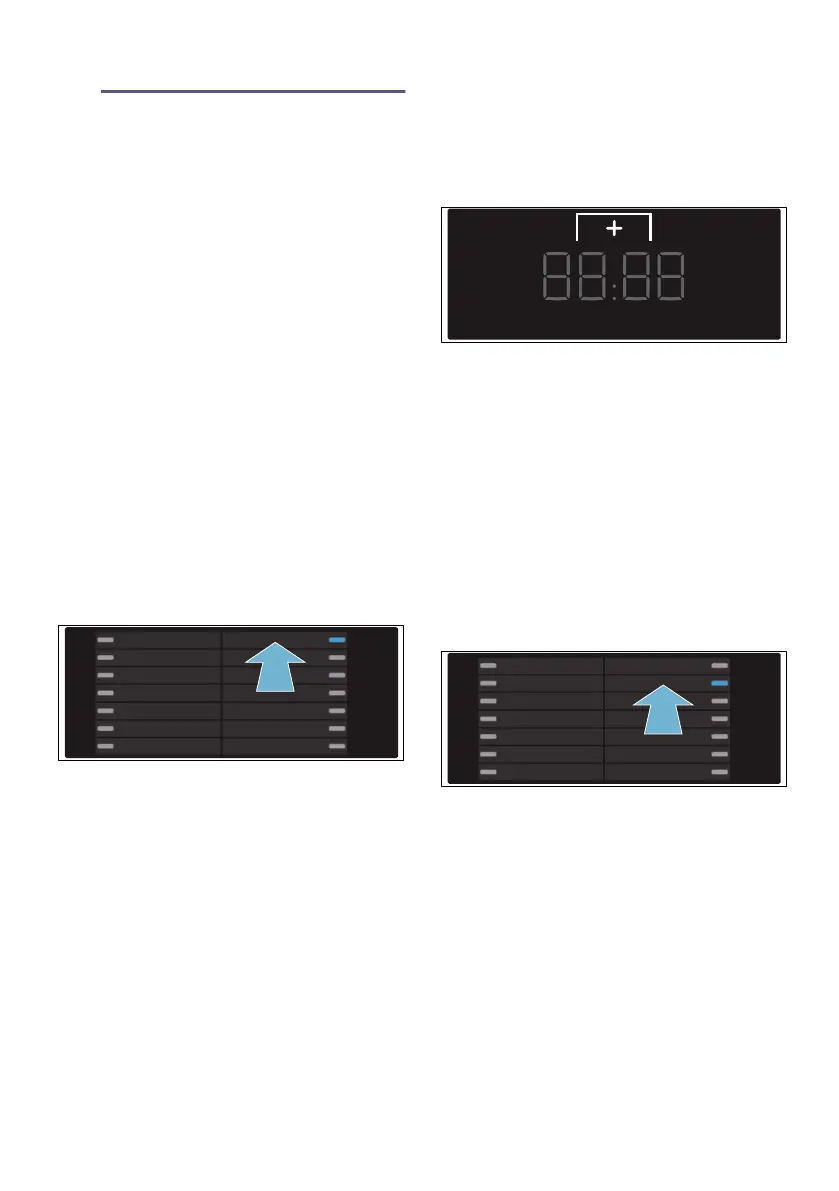
The programme in position 1 is
selected.
3. Now alter the appliance settings.
Adjusting the volume of the
information signals
1. Touch the ˜ selection button until
the required value appears.
Setting values:
2. You can now either end setting
mode or continue with it.
Adjusting the volume of the
operating signals
1. Select the programme in position 2.
› will now appear on the touch
display, along with the current
volume of the operating signals.
0 Off
1 Quiet
2 Medium
3 Loud
4 Very loud


 To Next Page