Appliance settings en
35
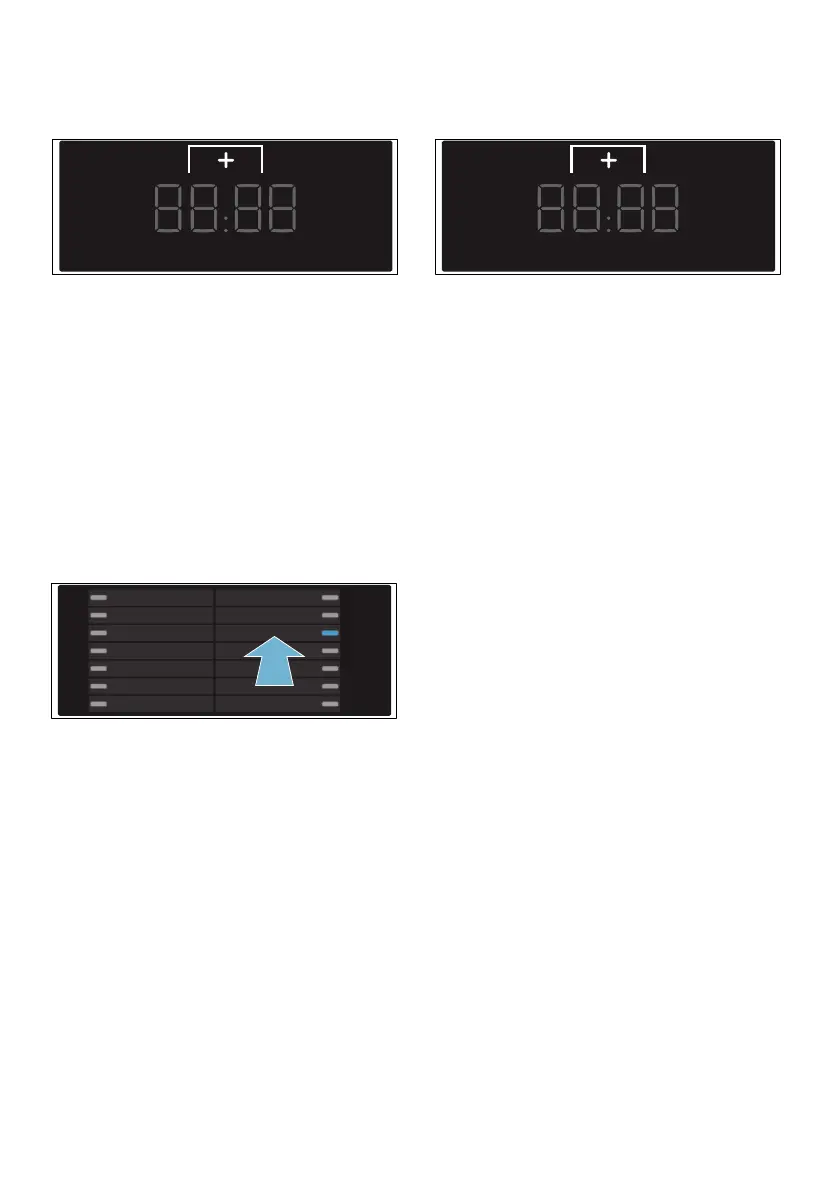
2. Touch the ˜ selection button until
the required value appears.
Setting values:
3. You can now either end setting
mode or continue with it.
Adjusting the brightness of
the touch display
1. Select the programme in position 3.
’ will now appear on the touch
display, along with the current touch
display brightness level.
2. Touch the ˜ selection button until
the required value appears.
Setting values:
Exiting setting mode
To exit and save the settings:
■ Touch ç on the touch display or:
■ Wait approximately 10 seconds or:
■ Switch off the appliance. The
selected settings will be retained
even after the appliance has been
switched off.
0 Off
1 Quiet
2 Medium
3 Loud
4 Very loud
1 Dim
2 Normal level of
brightness
3 Bright
4 Very bright


 To Next Page