SDS1000X-E User Manual
177
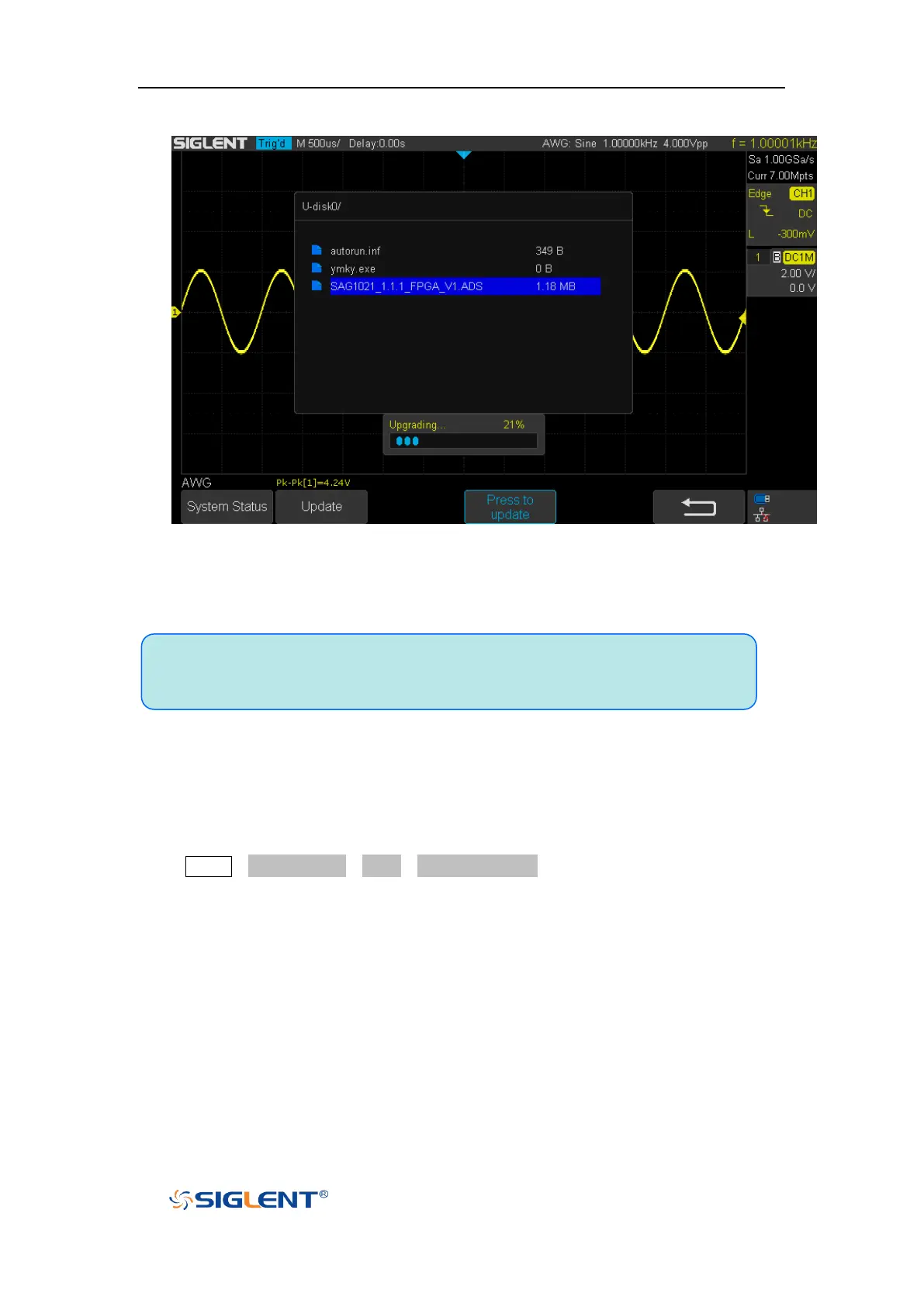
interface.
Figure 106 AWG Update Interface
4) After the updating is finished, the AWG will automatically disconnected and display a
message “Update completed, please reconnect AWG device!”
Note:Don't cut off the power during the AWG is being updated!
Remove Device
Press Utility→NextPage4/4→AWG→Remove Device, and the oscilloscope interface
display "AWG device removed!", the device can be pulled.


 To Next Page