SDS1000X-E User Manual
193
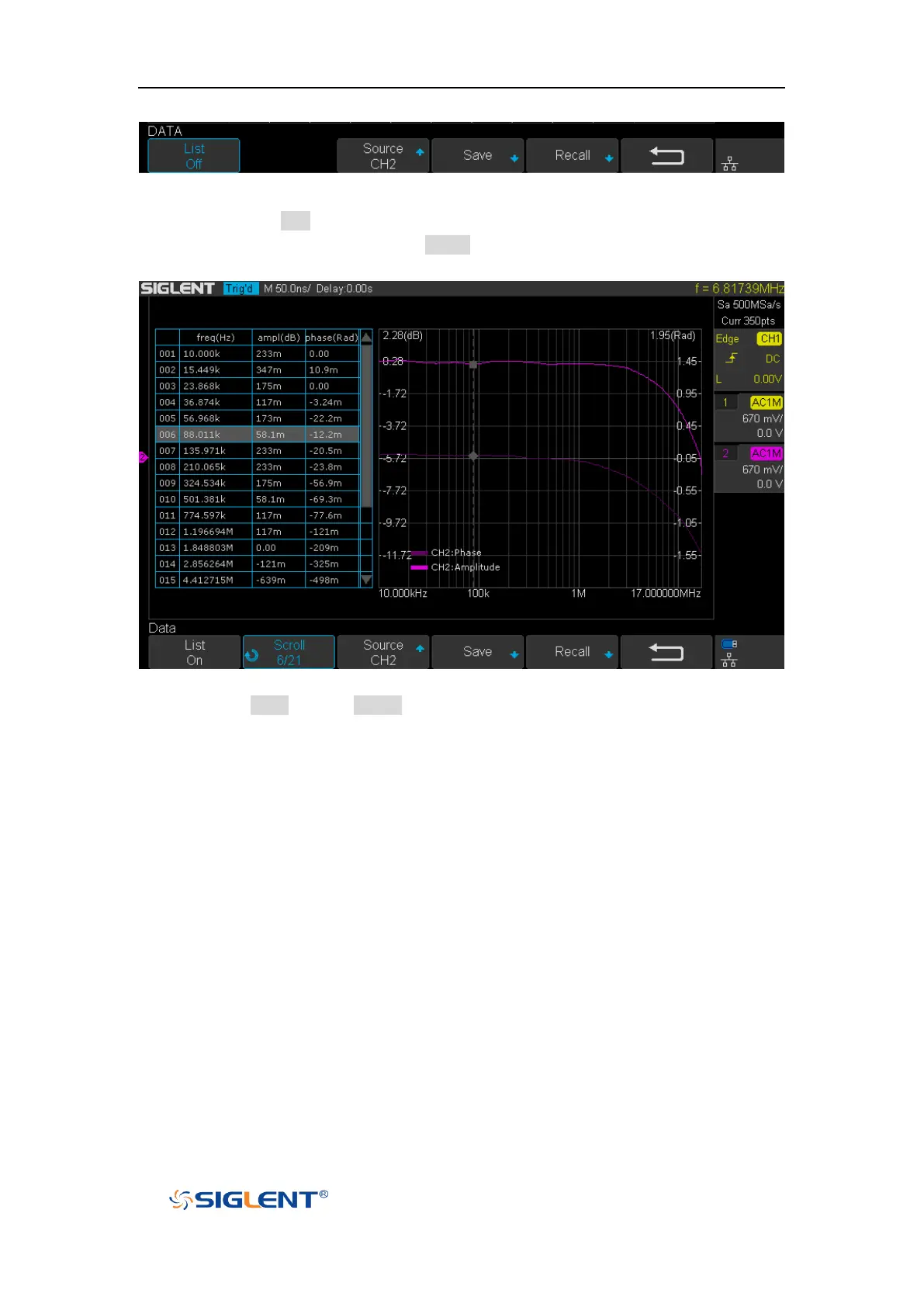
Figure 121 DATA Menu
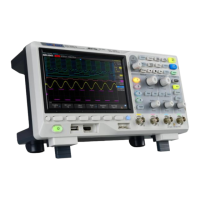
1) Press the List softkey repeatedly to turn the Bode plot data list on or off. After
turning on the list, press the Scroll soft key and turn the Universal Knob to
select the frequency point, as shown below.
Figure 122 Bode Plot List On
2) Press Save softkey (Recall softkey) to enable the bode plot save (recall) function.
See the chapter “Save and Recall” for details.


 To Next Page