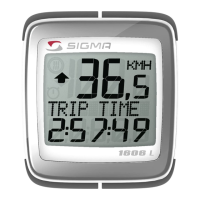
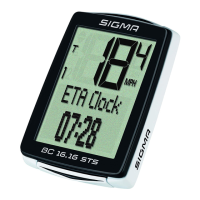
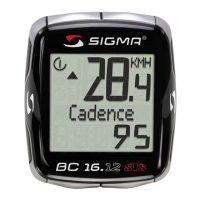
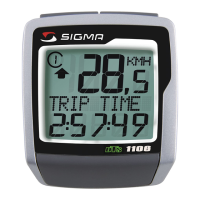
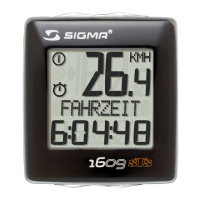
Eingabe Kontrast / Contrast entry / Réglage contraste Immissione contrasto / Contraste / Ingave contrast
D
G
U
F
I
E
O
7. Kontrast
• MODE-Taste drücken bis KONTRAST erscheint.
• SET-Taste kurz drücken, Eingabe blinkt.
• Mit RESET-Taste Wert einstellen. 1=schwach 3=stark
• Mit SET-Taste bestätigen.
7. Contrast
• Press MODE until CONTRAST is displayed.
• Press the SET button briefly, the entry flashes.
• Set the value by pressing the RESET button. 1=week
3=strong
• Confirm by pressing the SET button.
7. Contraste
• Appuyer sur la touche MODE jusqu'à ce que CONTRASTE
apparaisse.
• Appuyer brièvement sur la touche SET, l'entrée clignote.
• A l'aide de la touche REMISE A ZERO régler la valeur.
1 = faible, 3 = fort
• Confirmer par la touche SET.
7. Contrasto
• Premere il tasto MODE fino alla visualizzazione di CONTRASTO.
• Premere brevemente il tasto SET, il punto nel quale
effettuare l'immissione lampeggia.
• Mediante il tasto RESET impostare il valore:1=debole 3=forte
• Confermare con il tasto SET.
7. Contraste
• Pulsar la tecla MODE hasta que aparezca CONTRASTE.
• Pulsar brevemente la tecla SET, la introducción parpadea.
• Ajustar el valor con la tecla RESET. 1=débil 3=fuerte
• Confirmar con la tecla SET.
7. Contrast
• MODE-toets indrukken totdat CONTRAST verschijnt.
• SET-toets kort indrukken, instelling knippert.
• Met de RESET-toets waarde ingeven. 1=zwak, 3=sterk
• Met de SET-toets bevestigen.
123
SET
KONTRAST
SET
KONTRAST
2
SET
KONTRAST
3
SET
SET OK



 To Next Page