Guía Rápida Quick Start Guide - 19
Haz tu primera impresión dual Your first dual
1. Abrir Cura BCN3D previamente descargado
e instalado.
Open CURA-BCN3D that previously downloaded
and installed.
2. Seleccionar Add new machine...
en el menú Machine.
Select Add new machine...in the Machine menu.
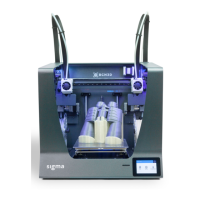
3. Seleccionar BCN3D Sigma dentro del menú
Select your machine
Select BCN3D Sigma in the main menu
Select your machine.



 To Next Page