22 - Guía Rápida Quick Start Guide
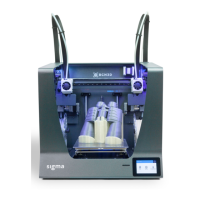
¡Enhorabuena! Ha empezado a imprimir su primera pieza 3D con Sigma.
Congratulations! You have started printing your first 3D part with the BCN3D Sigma.
Haz tu primera impresión dual Your first dual
11. Seleccionar Print en el menú principal del
display de la Sigma.
Select Print in the main menu
of Sigma’s display.
12. Seleccionar el Archivo a imprimir.
Select the file to print.



 To Next Page