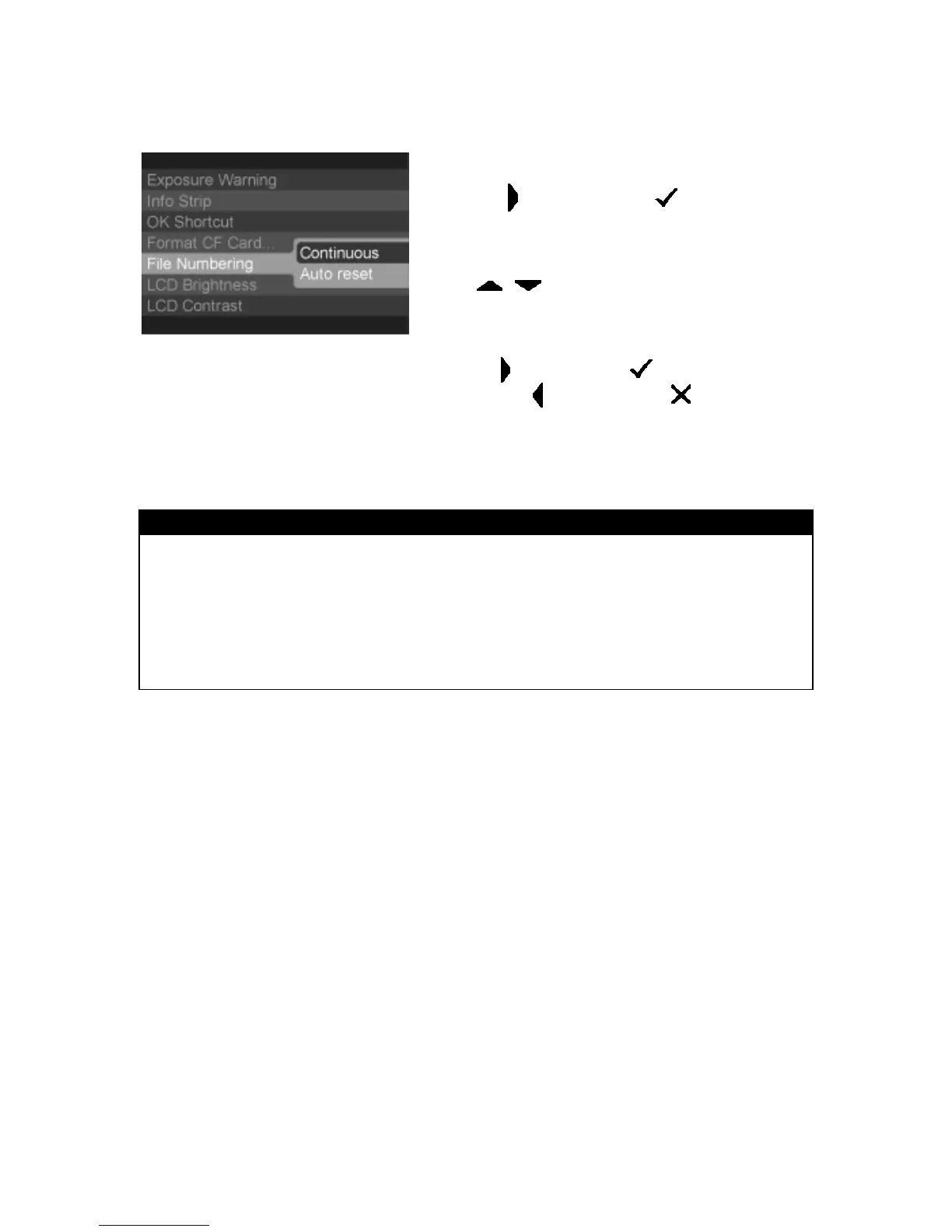
FILE NUMBERING SYSTEM
4
Press
<
>
arrow or
<
OK
>
to open
sub-menu.
5
Use
< / >
arrows on the 4-way controller
to select numbering system.
6
Press
<
>
arrow or
<
OK
>
to apply the
setting or
<
>
arrow or
<
CANCEL
>
to
close sub-menu without making any changes.
TIP
· Using continuous file numbering helps prevent files from being accidentally
overwritten when they are transferred to a computer.
· In continuous file numbering, the file number assigned to an image may be
different from its frame number. For example, the frame number of the first
image on an empty card will always be 1, but it’s file number can be anything
from 00001 to 99999.
31



 To Next Page