SigTEL Compact Operator Instructions
SigTEL Approved Document No. DAU0000092 Rev 4 Page 12 of 16
Emergency Voice
Communication System
Note: Some Operator functions require a security PIN code entering. This code can only be changed by a system
engineer. Therefore, ensure that the security PIN code is held by a responsible person and NOT lost.
The default code is 2222 but keep a record of the code in the boxes, right.
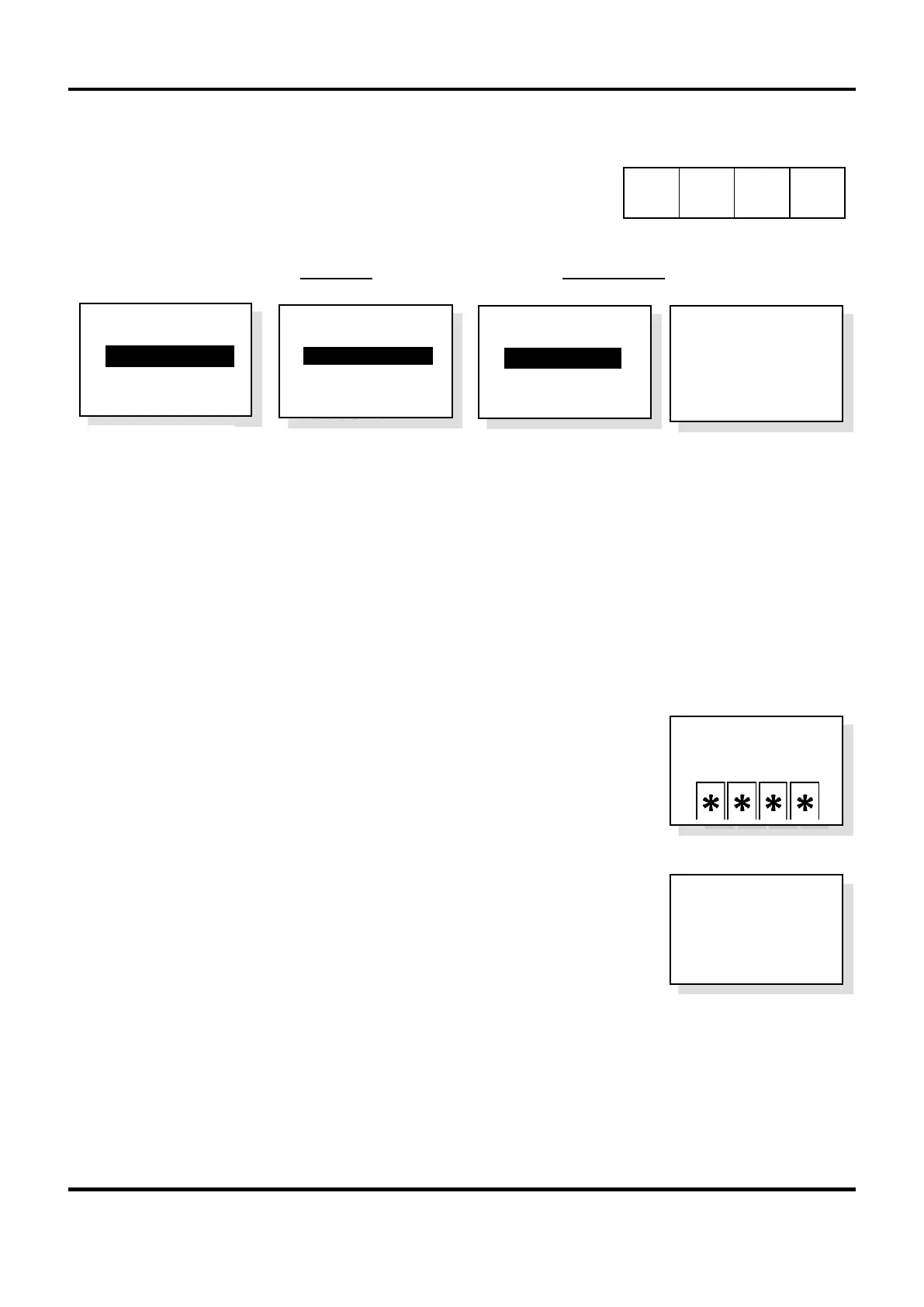
With the unit’s handset on-hook, press FUNCTION (or F) button. The User Opts menu is displayed.
Note: The User Opts menu for a networked unit is different to that on a non-networked unit (see examples below):
15.1 Clear recent calls
To make it easier to call back to outstations, the system keeps a record of incoming calls for up to 24 hours after the
system was last used. To manually clear this list press FUNCTION (or F) button and select Clr Rcnt Calls option.
Note: The system can be set up to automatically clear the recent call list after a set time period (between 6 to 24
hours). This is set up by a system engineer.
15.2 System reset
This option provides a clean restart to the system and is used for an emergency recovery in case the system gets
into an unforeseen condition, e.g. persistent faults not clearing.
1. At the master wall control unit, press FUNCTION button and select Reset
System option.
2. Enter the security PIN code using the keypad.
A full system reset is carried out.
15.3 Firmware version
If you need to find out which version of firmware is installed on the EVCS press
FUNCTION (or F) button and select the About… option.
The firmware version is displayed and also the name of the control unit (typical display
shown right).
15.4 Alt. masters
This function is only available on a networked system and gives control to a repeater unit from the current master unit
when no calls are present on the EVCS. See section 16.3.
15.5 Take control
This function is only available on a networked system and allows a repeater unit to take control from the current master
unit when no calls are present on the EVCS. See section 16.2.
>
R e s e t S y s t e m
A b o u t . . .
E V C S
v 5 . 6 . 0
Wall Unit 1
> C l r R c n t C a l l s
A l t . M a s t e r s
R e s e t S y s t e m
>
T a k e C o n t r o l
A b o u t . . .
Non-networked
MCU Wall Unit
Networked ‘master’
MCU Wall Unit
Networked ‘repeater’
MCU Wall Unit
P I N
Networked ‘repeater’
Desk Control Unit
> C l r R c n t C a l l s
T a k e C o n t r o l
A b o u t …



 To Next Page