MAINTENANCE PROCEDURES - CYCLE COUNTER
Use the following procedure to access the cycle count of the
tool. This is the total number of times the tool has been operated
and can aid in diagnosing problems or service schedules. 1
small piece of strapping is needed for this procedure.
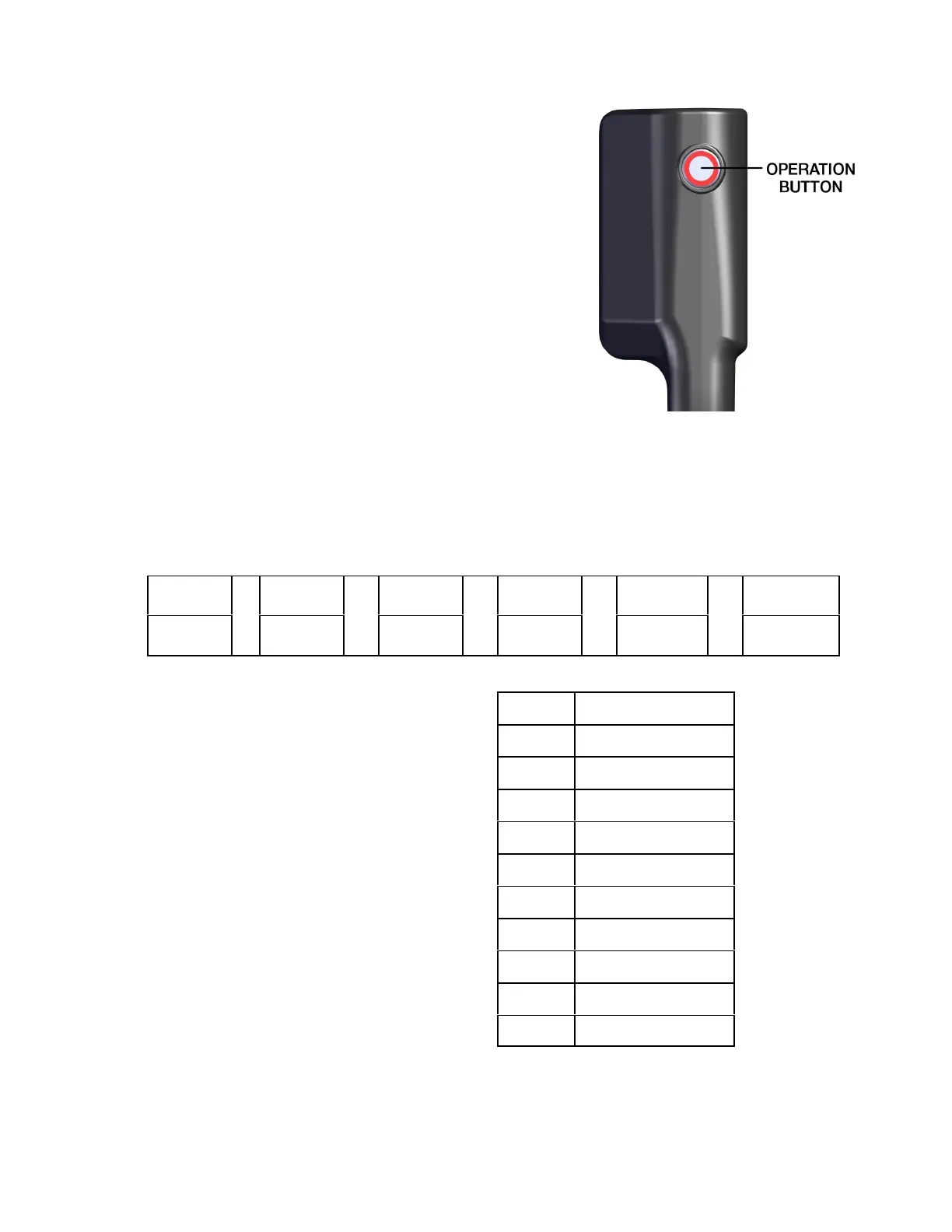
The tool counts from 0 to 999,999. The counter displays the
number of tool cycles by flashing the Operation Button LED with
an approximate 2 second delay between digits (LED does not
illuminate). The counter will always display 6 digits even if some
digits are leading zeros.
1. Remove battery from tool.
2. Turn tension control knob pointer to 1.
3. Squeeze feedwheel operating lever and insert a small piece
of strap under the feedwheel. Strap must be only under the
feedwheel and NOT cover strap sensor.
4. Insert battery while holding the operation button for approximately two seconds. LED will
flash 1 time indicating the button is working correctly.
5. Wait 30 seconds.
6. Cycle counter codes begin to be displayed as follows. Example, a tool that has run 1253
complete cycles.
0
'
0
'
1
'
2
'
5
'
3
FIRST
DIGIT
SECOND
DIGIT
THIRD
DIGIT
FOURTH
DIGIT
FIFTH
DIGIT
SIXTH
DIGIT
Individual digits are displayed as follows '
Once the cycle counter terminates the
Operation Button LED will flash rapidly for one
second. Now the tool is ready to operate
normally.
The cycle counter procedure can be terminated
at any time by pressing the Operation Button or
by pulling the Feedwheel Lever.
Digit LED Flash
0 On 1.5 seconds
1 Once
2 Twice
3 Three times
4 Four times
5 Five times
6 Six times
7 Seven times
8 Eight times
9 Nine times
24


 To Next Page